Free Online Image and PDF Tools
Drop a file, pick what to do, and download the result. No sign-up, no watermark.
Drop your image here
- JPG
- PNG
- WEBP
- HEIC
- +4
100% private. Nothing is uploaded.
Most-used image tools
Start with one of these, or pick by task below.
Image Resizer
Resize images to exact pixel dimensions or a custom scale percentage.
Image Compressor
Compress any image format to a smaller file size without visible quality loss.
Image Converter
Convert between 30+ formats including JPG, PNG, WebP, HEIC, AVIF, TIFF, PDF.
AI Background Remover
Remove image backgrounds instantly using on-device AI. No data ever leaves your browser.
Image Cropper
Crop to any aspect ratio or custom pixel dimensions with precision.
AI Image Upscaler
Enlarge images up to 4x without losing sharpness or detail.
Image to PDF
Convert JPG, PNG, and WebP images into a PDF document. Drag to reorder pages. 100% in-browser, no uploads.
PDF Compressor
Compress PDF files to reduce size while maintaining readability.
Pick a tool by what you need to do
Every tool is free and works in your browser.
Make a file smaller
Change the format
Resize, crop and rotate
Fix and protect photos
Icons, screenshots and design
Work with PDFs
See all 84 tools
Resize
Compress
Converters
Popular Conversions
PDF Tools
Design Tools
Analyze & Inspect
Bulk Tools
Privacy & Security
What you get with every tool
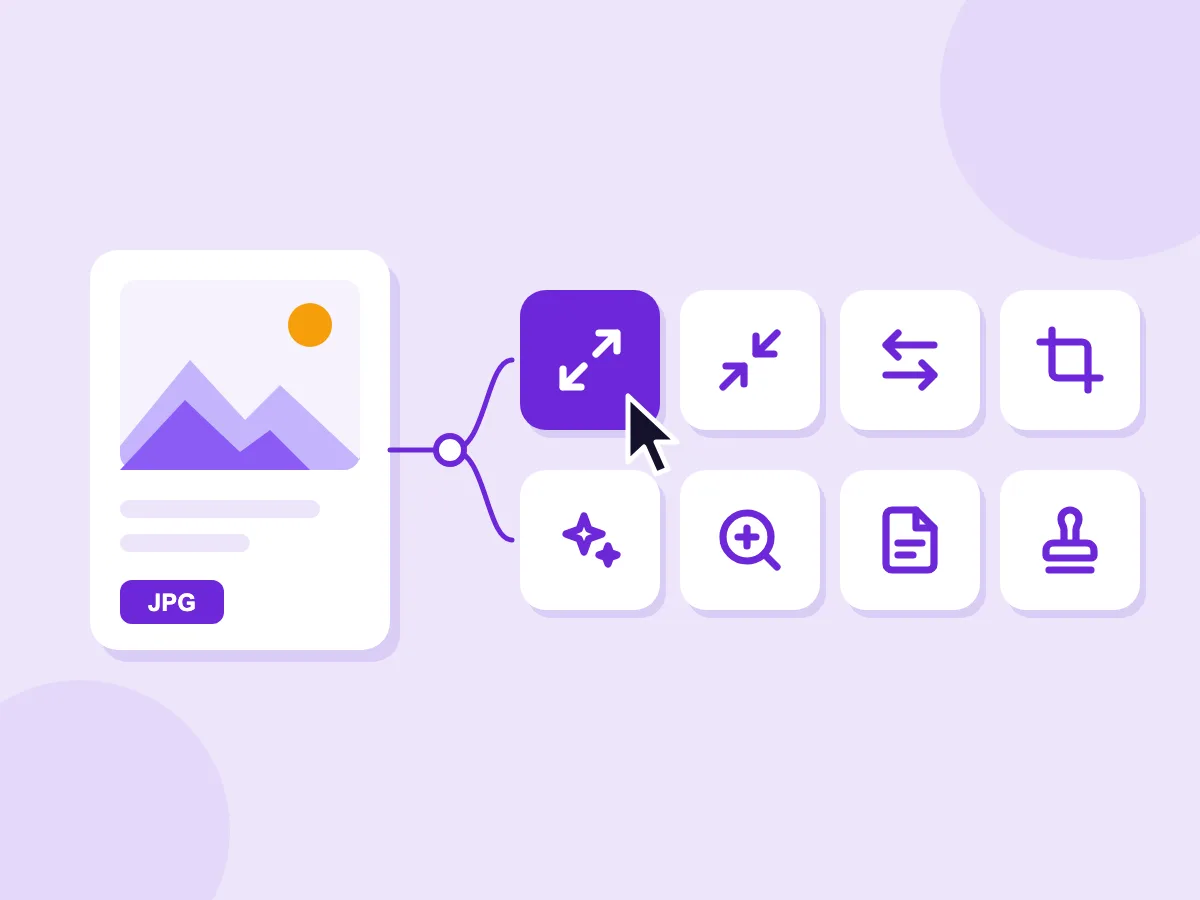
Drop once, pick the tool
Add a photo or a PDF to the box at the top of this page. Pick what you want to do, and that tool opens with your file already loaded.
- 8 actions for images, from resize to watermark
- 6 actions for PDFs, such as merge, split and compress
- Paste an image or import one from a link
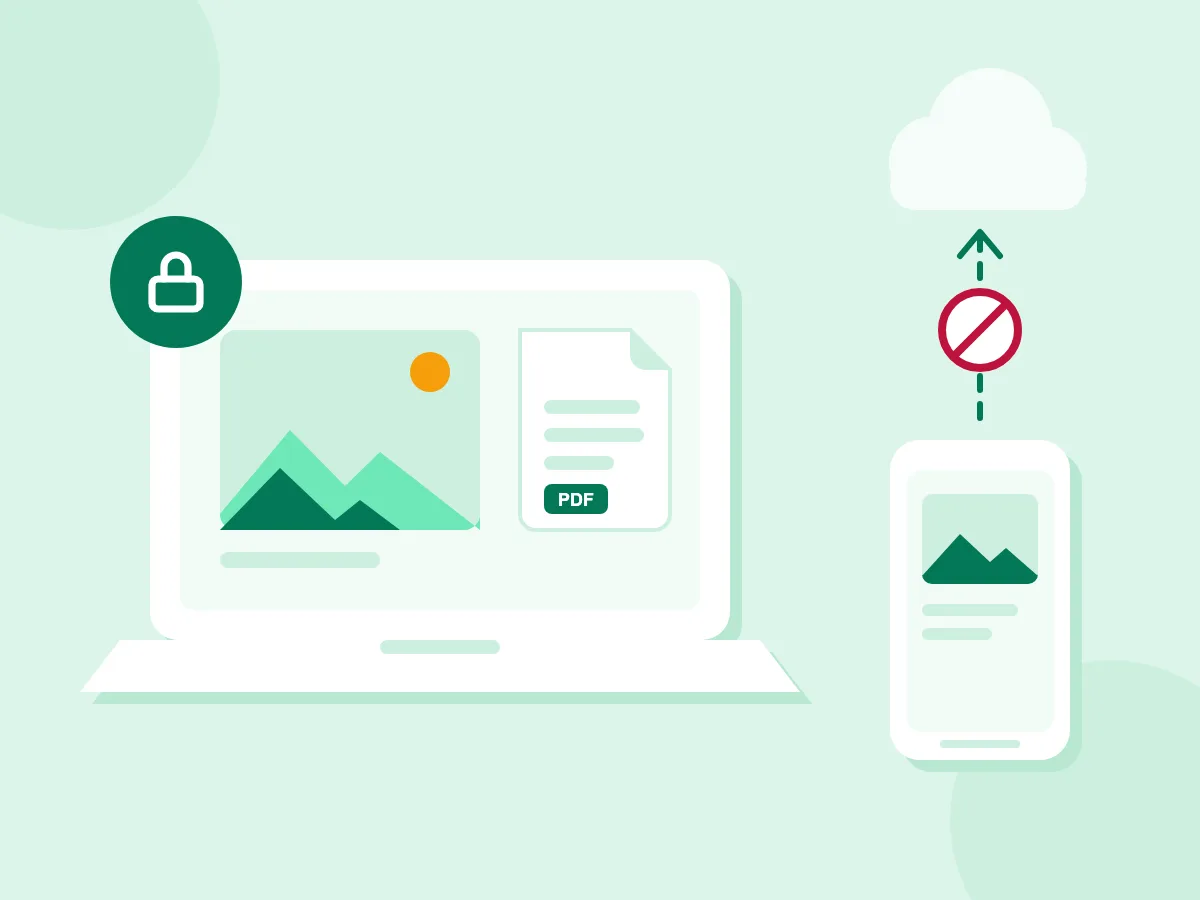
Your files stay on your device
Every PicsSizer tool runs inside your browser. Your photos and PDFs are not sent to a server, so there is nothing for us to store or delete.
- Resizing, compressing and converting happen on your device
- AI tools download their model to you, never your file to us
- Check it yourself: open the network tab and process a file
Opens the formats you have
The resizer and the converter open JPG, PNG, WebP, HEIC, AVIF, SVG, GIF, TIFF, BMP and PSD files. Each tool lists the formats it takes under its upload box.
Many files at once
The compressor and converter take a whole batch with one setting. Save every result in one ZIP file.
AI that runs in your browser
Remove backgrounds, upscale photos and read text from images. The model downloads the first time you use a tool.
Exact sizes when you need them
Compress to a target such as 100 KB or 200 KB, or pick a ready-made size for app icons, favicons and store screenshots.
How to use PicsSizer in 3 steps
Drop your file
Drag a photo or PDF into the box, tap to choose one, or paste an image.
Pick what to do
Choose resize, compress, convert or another action. The tool opens with your file loaded.
Download the result
Adjust the settings, then save the new file. No account and no watermark.
Frequently asked questions
Are free online image tools safe to use?
They are safe when your file never leaves your device. PicsSizer tools run in your browser, so your images are not uploaded to a server.
Do PicsSizer tools upload my images?
No. Your files are processed in your browser and stay on your device. Some tools download an engine the first time you use them, but your files are never sent anywhere.
Can I edit images online without signing up?
Yes. Every tool works without an account, an email address or a sign-up. Open a tool, add your file and download the result.
Is there a watermark on the output?
No. Files you download have no watermark. The only exception is a watermark you add yourself with the Image Watermark tool.
How do I resize an image online for free?
Open the Image Resizer, add your photo and set a new width and height. Then download the resized file.
How do I make an image file smaller?
Use the Image Compressor. Lower the quality or pick a target size such as 200 KB, then download. Fewer pixels also make a smaller file.
How do I convert an image to another format?
Open the Image Converter, add your file and pick the new format, such as JPG, PNG or WebP.
How do I convert images to PDF, or a PDF to images?
Use Image to PDF to put one or more photos into a single PDF. Use PDF to Image to save the pages of a PDF as pictures.
What size should images be for a website?
It depends on where the image goes. A full-width banner needs far more pixels than a thumbnail. The image size guide lists common sizes for websites and social media.
Can I use PicsSizer on my phone?
Yes. Every tool works in the browser on iPhone and Android, with no app to install. Very large files can be slower on a phone, because the work happens on your device.