Optimize Images for Web Performance
Make pages load faster: cap each image's size in pixels, save as WebP or JPG and compress JPG, PNG, WebP and GIF files in one step. Free, private, no sign-up.
Optimize Your Images Now
Use PicsSizer's free Image Compressor to resize, convert to WebP and compress in one step. No uploads, no account needed.
1920×1440 px
From 2567×1925
1.0 MB → 151 KB
File size, 85% smaller
JPG → WebP
Format
100% private. Nothing is uploaded.
Optimize Images for Web: Before and After

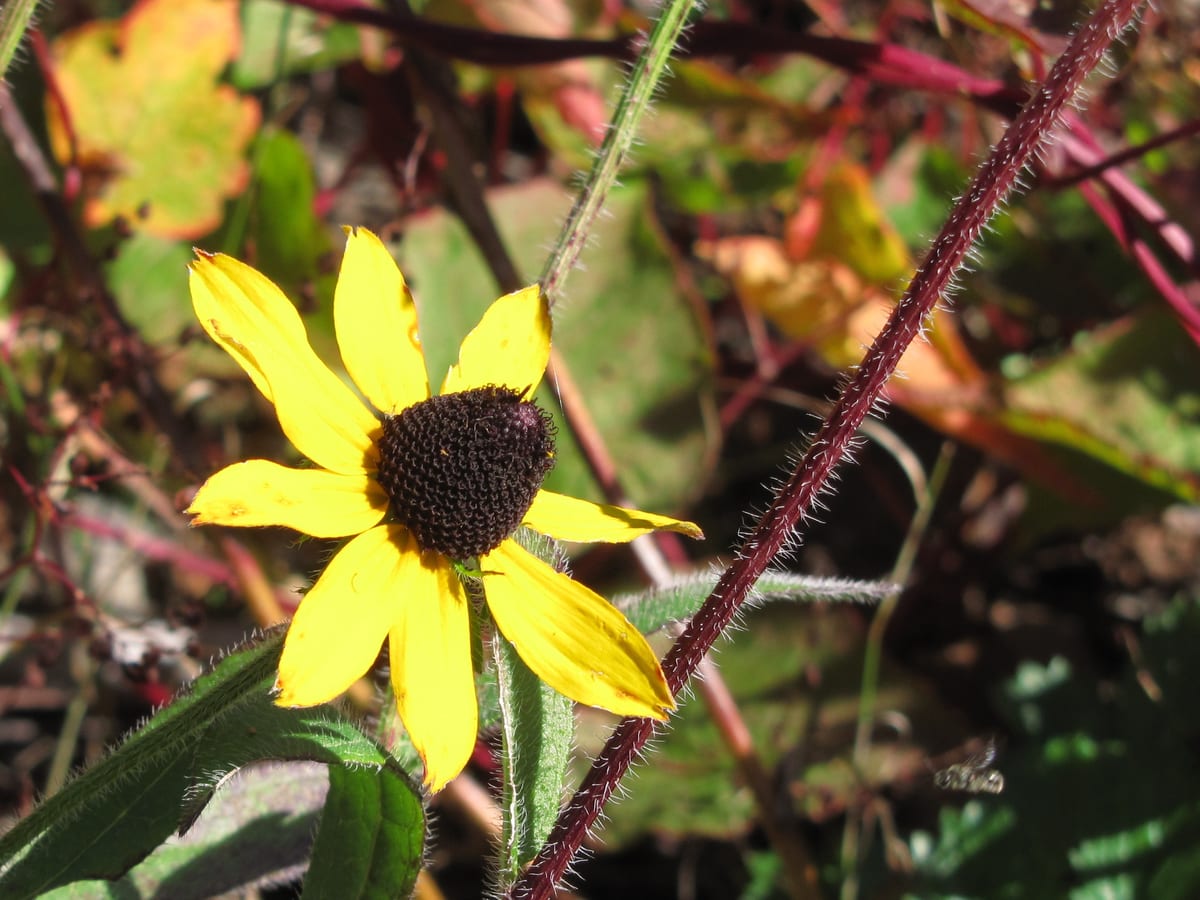
How to Optimize Images for Web
Open the Image Compressor
Click the button below to start PicsSizer's free Image Compressor, then add JPG, PNG, WebP, BMP or GIF files. No account needed.
Pick Size, Format and Quality
Set Resize mode to Max dimension (1920 px by default), choose WebP or JPG under Save image as, and leave Quality at 75 or adjust it. To aim for a file size instead, enter a KB or MB number in Target file size.
Download Web-Ready Images
Press Compress. Every row lists the result size and how much smaller it got. Save files one by one, or grab them all in a ZIP.
Image Optimizer for Websites
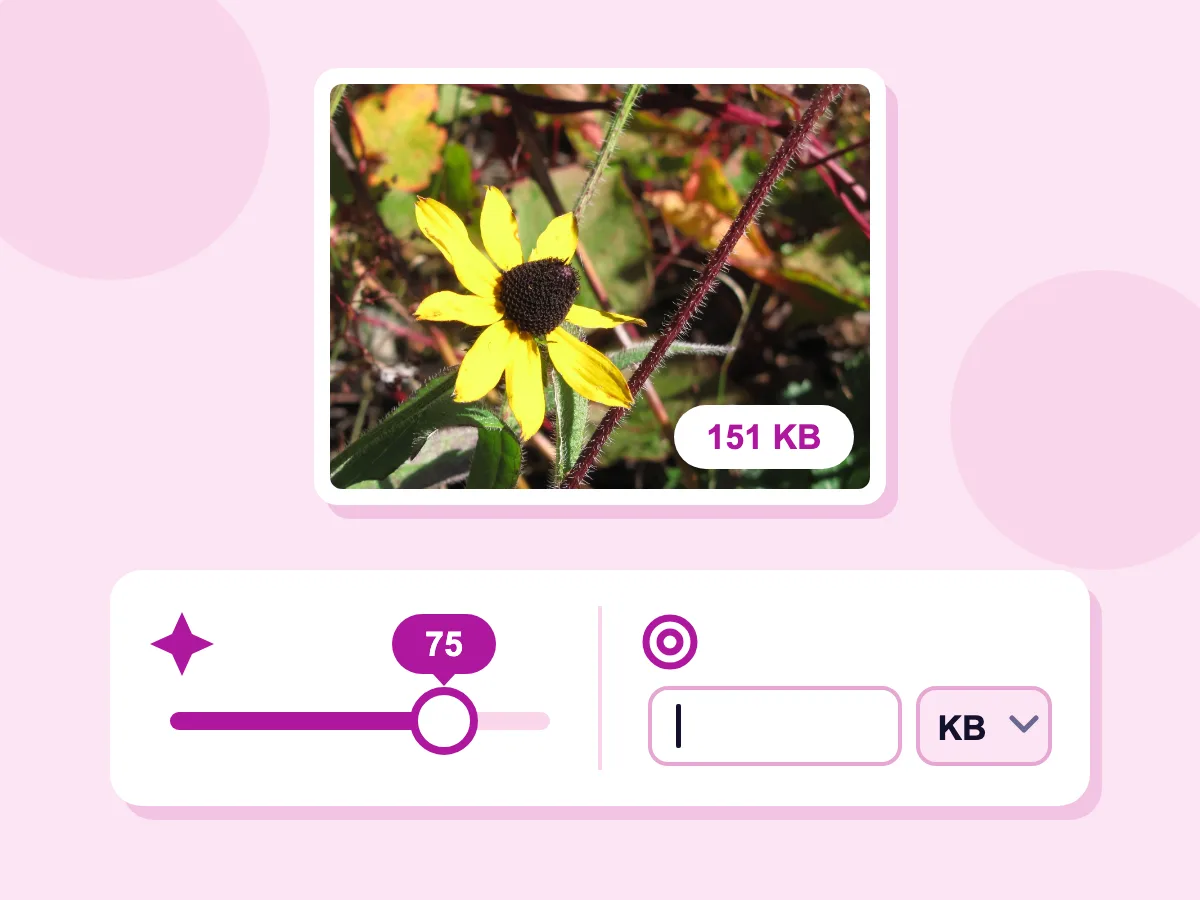
Quality slider or target size in KB
Leave Quality at 75 or move it: a lower number makes a smaller file. To aim for a size instead, type a number in Target file size and pick KB or MB. Both are hidden while a PNG stays a lossless PNG. Our coneflower photo, capped at 1920 px and saved as WebP at Quality 75, came out at 151 KB.
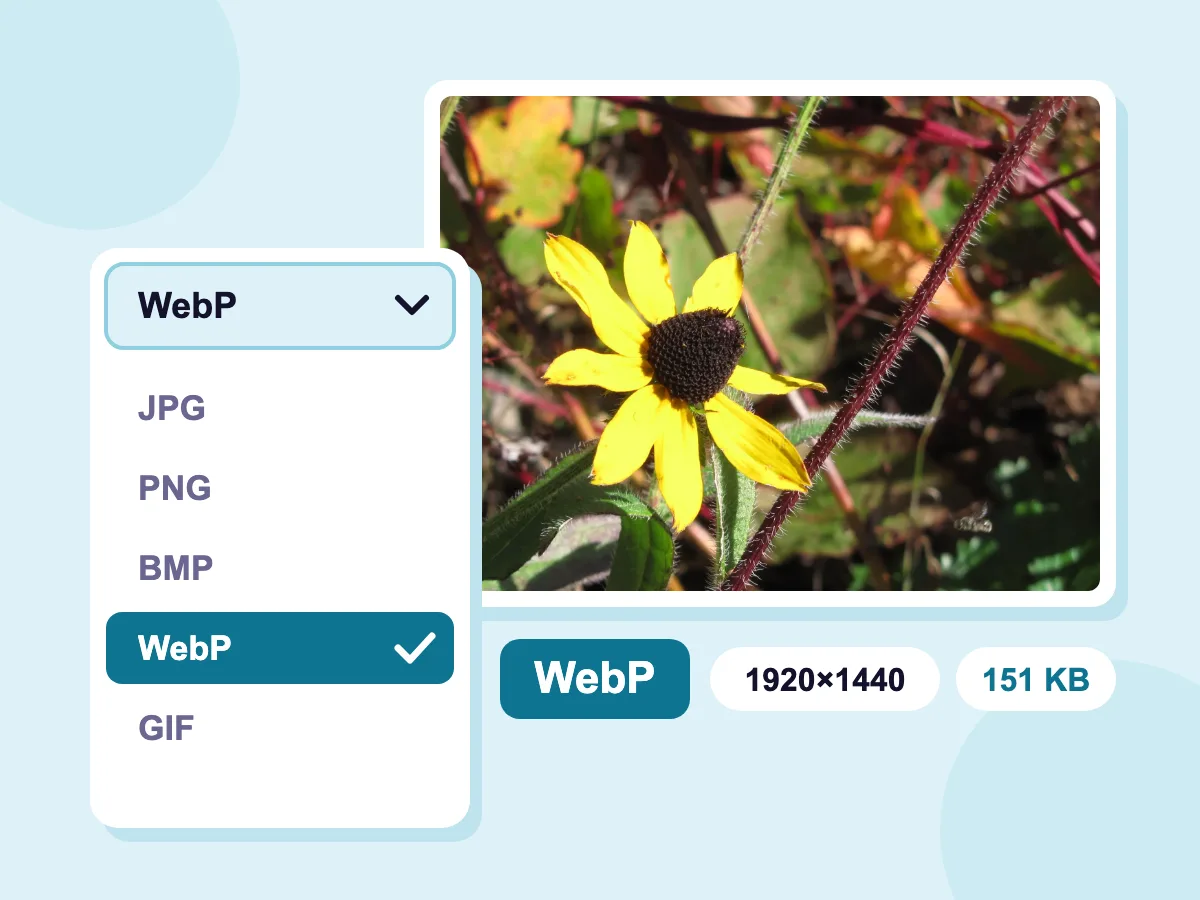
Save as WebP
Pick WebP under Save image as to convert your JPG, PNG, BMP or GIF files while they compress. Our 1.0 MB JPG came out as a 151 KB WebP, 85% smaller, with Max dimension at 1920 px. A GIF saved as WebP stays animated.
- 100% private, nothing is uploaded
- Completely free, no account needed
- Many images at once, one ZIP
Perfect for Every Web Project
Website & Blog
- Faster page loads
- Lighter hero images for a better LCP
- Blog photos sized to your text column
- Less data for visitors on phones
E-commerce
- Product photos at one matching size
- Lighter category and collection pages
- WebP copies of product photos
- Smaller files before you upload them to your store
Content & CMS
- Images ready for WordPress uploads
- A smaller media library
- Social sharing images
- GPS and camera data removed before publishing
What Is Image Optimization?
Image optimization means making each picture as light as it can be for the spot it fills on a page: the right width and height for the layout, a compact format such as WebP or AVIF, and a quality setting that still looks clean. Compression alone handles only the last step and keeps the same pixel size.
How to Optimize Images for Web Performance
A web image loads fast when three things are right: its size in pixels, its format and its file size. The answers below cover each one, plus the parts your website handles.
What Size Should Images Be for a Website?
Size each image to the widest it appears on your page. Check your image's dimensions, then set Max dimension. It limits the longest side to 1920 px unless you change it, and never enlarges a smaller image. Good starting widths:
- Full-width hero or banner: 1920 px wide.
- Blog or article image: the width of your text column, often 800 to 1200 px.
- Thumbnails and product cards: 400 to 600 px.
- High-density phone and laptop screens: up to twice the width the image is shown at.
WebP or AVIF: Which Format Should You Use?
Both make much smaller photo files than JPG, and current versions of all major browsers show both. Pick by where the image goes:
- WebP: Google reports lossy WebP files are 25–34% smaller than JPG files of the same quality. Choose WebP under Save image as in the compressor.
- AVIF: often smaller still, but slower to make. Save as AVIF in the image resizer.
- JPG: opens everywhere, including email and older apps. Use it when a platform won't take WebP.
- PNG: logos, icons and screenshots with sharp edges or see-through areas.
How Do Images Affect LCP and Core Web Vitals?
Largest Contentful Paint (LCP) measures when the biggest thing on screen finishes loading, and on many pages that is a photo. Google rates LCP as good at 2.5 seconds or less. A smaller file downloads sooner. These other fixes live in your site's code, not in this tool:
- Don't lazy load the main image at the top of the page. Let it load right away.
- Give every image a width and height in your HTML, so the page doesn't jump while it loads.
- Serve smaller copies to phones with srcset, or let your site builder do it.
How Do You Optimize Images for SEO?
Search engines rely on text to understand a picture. This tool handles size and format, and the rest happens where you publish:
- Write alt text that says what the image shows.
- Use short, clear file names, such as blue-running-shoe.webp. Clear Filename suffix under Advanced to keep your own names.
- Lazy load images further down the page. Many site builders do this for you.
More Web Performance Tools
Speed up your website with our free image tools
Frequently Asked Questions: Optimizing Images for Web
Everything you need to know about web image optimization
How do I optimize images for a website?
Open the Image Compressor and add your JPG, PNG, WebP, BMP or GIF files. Set Resize mode to Max dimension and pick the widest size the image appears at on your page. Choose WebP or JPG under Save image as, keep Quality near 75, then press Compress and download. Convert iPhone HEIC photos to JPG first, since the compressor doesn't open them.
What is the best file size for website images?
There is no fixed rule, but smaller loads faster. A common target is under 200 KB for a large hero photo and under 100 KB for images inside an article. Type a number in Target file size. With JPG, WebP and PNG files, the compressor lowers the quality first and then the width and height until the file fits. For a GIF, it raises the lossy level and then trims colors, but never resizes it. PNG files only take a target once Lossless PNG is switched off.
Does optimizing images reduce their quality?
It depends on the setting. Scaling a big photo down to the size your page shows keeps it sharp. JPG and WebP compression throws away some detail, yet most photos look unchanged at quality 85 to 95. The default of 75 trims a lot of weight with little you'd notice. Go below about 50 and blocky patches can appear. Lossless PNG keeps every pixel, and the compare view lets you check before downloading.
How does image optimization affect SEO?
Faster pages help, but speed is one signal among many. Google uses Core Web Vitals, including LCP, in its ranking systems, and a large photo is often the slowest part of a page. Smaller images also mean less data for visitors on phones. Good alt text and clear file names help search engines understand your images.
Can I optimize multiple images at once?
Yes. Add several files, and one set of size, format, quality, target and metadata settings covers them all. Every file gets a row that lists its size before and after and how much it saved. With two or more files, the download is a single picssizer_compressed.zip.
Should I optimize images before uploading them to WordPress or Shopify?
Yes. Site builders and stores usually make smaller copies of what you upload, but they start from your file and often keep it too. WordPress, for example, scales down images wider or taller than 2560 px by default. Resizing and compressing first means every copy starts small. Since Strip metadata starts switched on, GPS location and camera details come off too.