Resize Image to Target Size in KB or MB Online Free
Reduce photos to an exact target file size in KB or MB for job forms, passports, and upload portals without losing clarity. 100% private and free.
Open the Image Resizer
Add your image, choose JPG, WebP or AVIF, then type your limit in KB or MB under Target File Size.
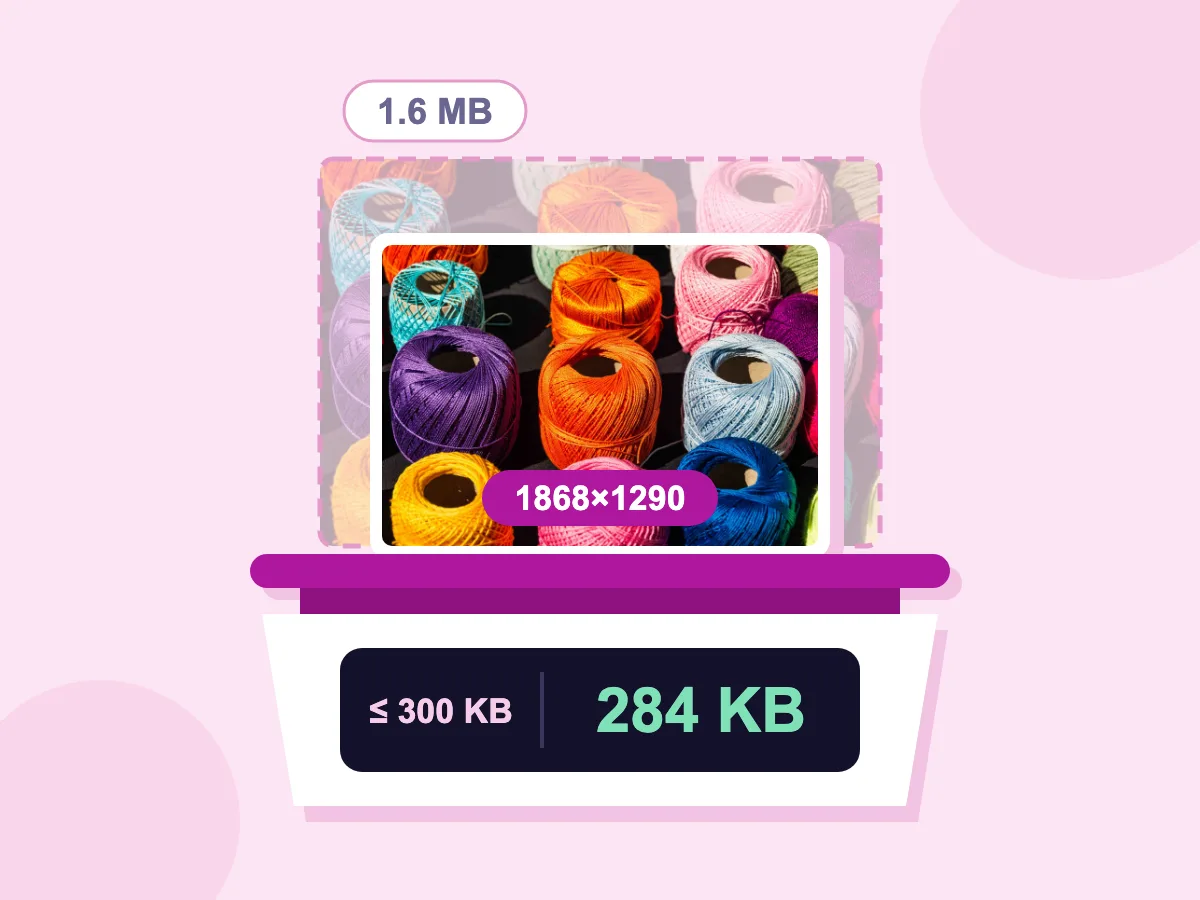
1.6 MB → 284 KB
300 KB target
1868×1290 px
From 2400×1657
JPG
Saved as
100% private. Nothing is uploaded.
Resize Image in KB: Before and After
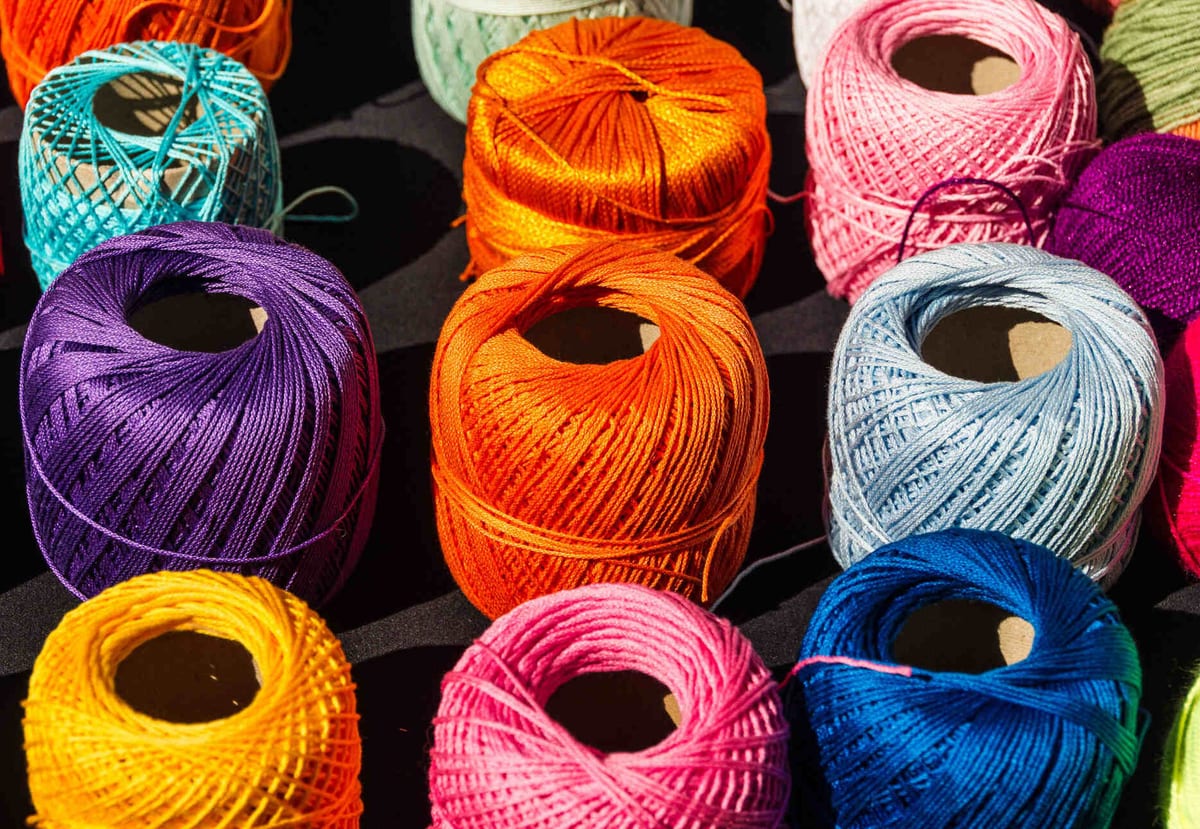
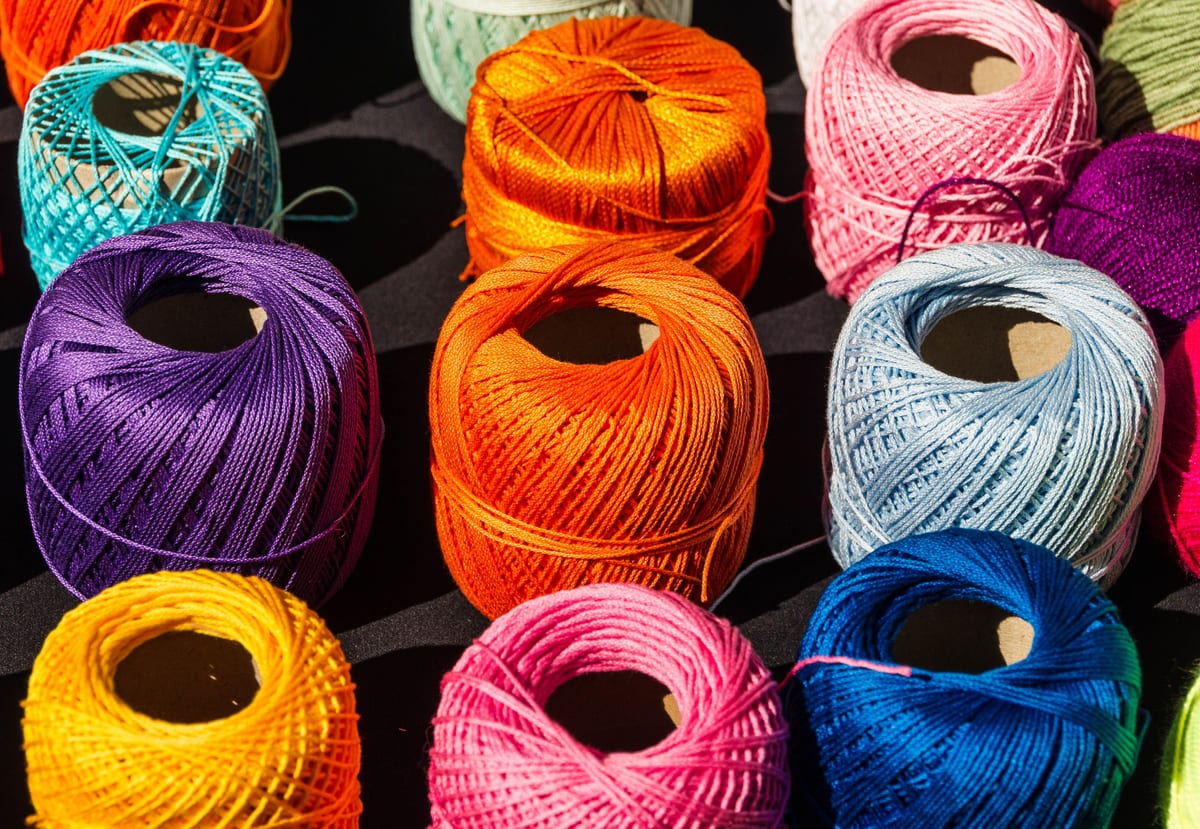
How to Resize an Image in KB
Open the Resizer
Press Open Resize Tool and add your image. Phone HEIC photos, TIFF scans and PSD files open here, along with JPG, PNG, WebP and AVIF.
Set Your Target Size
Type a width and height if the form asks for one. Choose JPG, WebP or AVIF under Save As. Then enter the limit under Target File Size, with KB or MB as the unit.
Resize and Download
Press Resize & Download. The tool trims quality bit by bit until the file is under your limit. It reduces the width and height only when lower quality can't get there.
Image Size Reducer in KB
Any Target in KB or MB
Open Target File Size, then type a number and pick KB or MB. The tool lowers the quality step by step, and trims the width and height only if that isn't enough. Our 2400×1657 test photo came out at 284 KB with a 300 KB target, at 1868×1290.
Saves as JPG, WebP or AVIF
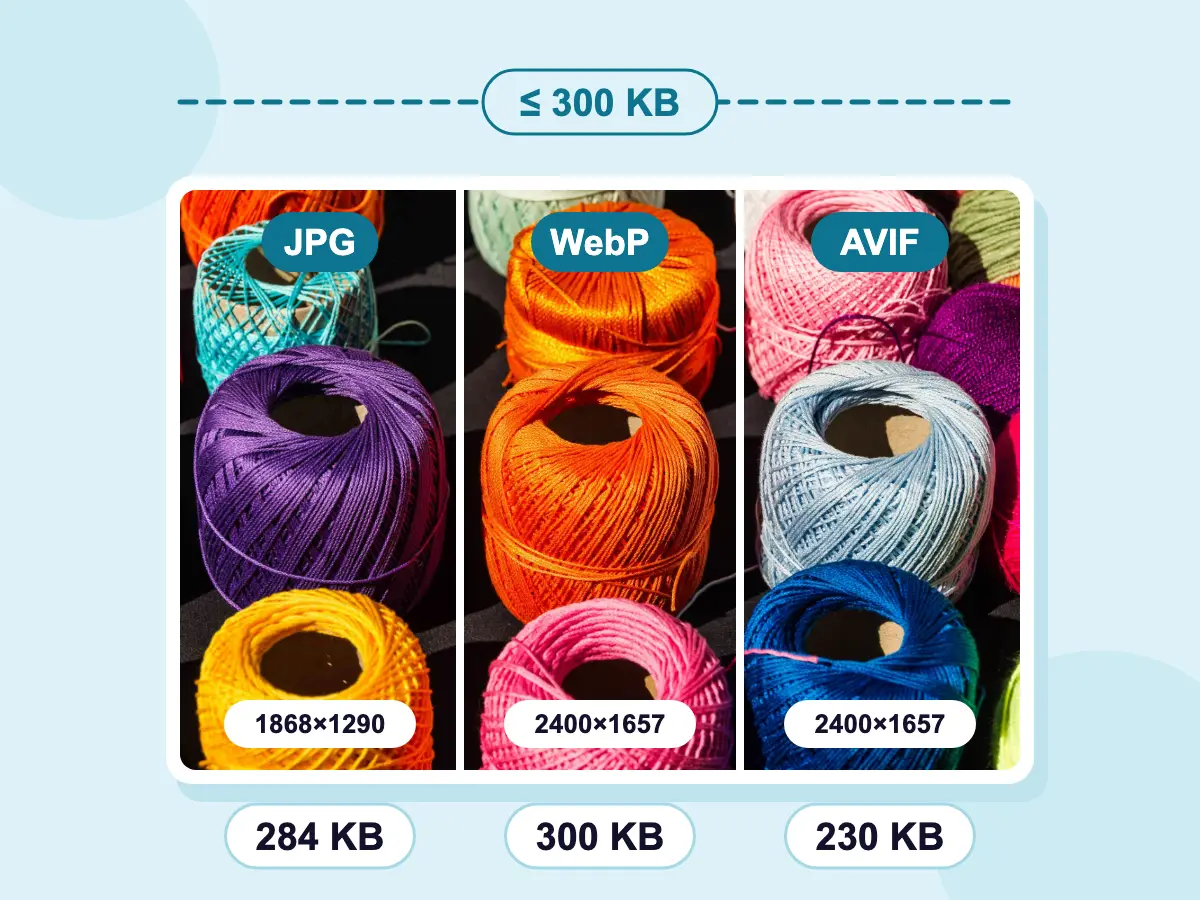
Choose JPG, WebP or AVIF under Save As before you set the target. Some formats fit more detail into the same size. With the same 300 KB target, our test photo kept its full 2400×1657 as WebP (300 KB) and AVIF (230 KB), while the JPG came out at 1868×1290.
- Files Stay on Your Device
- Free — No Account Required
- Set Pixels and KB Together
When You Need a File Under a Set Size
Forms and Applications
- Fit a passport or visa photo under a portal's KB limit and pixel size
- Bring a signature scan down to a small cap, such as 20 KB
- Meet a job portal's photo rules in one save
- Shrink a scanned ID to the size an online form allows
Email and Web
- Keep newsletter images under the size your email tool allows
- Set a width for blog images and cap each file in KB
- Get a profile picture under a site's upload limit
- Turn a large phone photo into a light image for the web
Odd Formats and Sizes
- Save an iPhone HEIC photo as a JPG under a KB limit
- Turn a TIFF scan into a JPG of a set file size
- Hit an unusual limit, such as 75 KB or 3 MB
- Match a size in cm at 300 DPI and a KB cap together
What Does Resizing an Image in KB Mean?
Resizing an image in KB means saving it so the file takes no more than a set amount of space, such as 50 KB or 2 MB. Quality is lowered first, and the pixel size only if that isn't enough. Plain resizing works the other way: you set the pixels, and the file size lands wherever it lands.
How to Resize an Image in KB and Pixels
Many upload forms set two rules at once: a size in pixels or cm, and a largest file size. The resizer can meet both in one save. These answers cover which tool to pick, unit math, cm sizes and very small targets.
Should You Resize or Compress to Reach a KB Size?
Both tools can hit a KB target. Pick by what else you need:
- Resize here when the form also sets a width and height, or when the photo is far bigger than it needs to be.
- Use the image compressor for many images at once, or to keep each file's format.
- For a common limit, the 100KB, 200KB, 500KB and 1MB pages below open the compressor with the target filled in.
How Do You Convert MB to KB for a Target?
Multiply by 1,024. This tool counts 1 MB as 1,024 KB and 1 KB as 1,024 bytes. Some sites count in 1,000s instead, so a few common conversions are:
- 0.5 MB is 512 KB, so type 512 with KB selected.
- 2 MB is 2,048 KB here, but some sites mean 2,000,000 bytes. Type 1950 with KB selected to be safe.
- A limit of 50 KB written as 50,000 bytes is about 48.8 KB here, so type 48.
How Do You Resize an Image in KB and cm?
Turn the cm into pixels first: multiply by the DPI the form asks for, then divide by 2.54. At 300 DPI, a 3.5 × 4.5 cm photo is 413 × 531 pixels. Crop to that shape, type the pixels, set Output DPI to 300 under Advanced, then add the KB target.
How Small Can the File Get, Like 20KB or 10KB?
It depends on the pixel count. First the quality comes down, in as many as eight steps. If that isn't enough, each side is cut by 8% per round, for at most six rounds. A big photo can still miss the target, and the tool saves its smallest try without warning you. For tiny targets, set a small width first, such as 300 px.
Fixed-Size Compression Pages
These open the image compressor with the target already filled in.
Frequently Asked Questions — Resize Image to Target File Size
Common questions about saving an image under a set size in KB or MB
How can I resize a photo to a specific size in KB?
Press Open Resize Tool and add your image. Choose JPG, WebP or AVIF under Save As. Open Target File Size, type the number and pick KB. Change the width and height too if you need a set pixel size. Then press Resize & Download, and the file is saved at or under your target if the tool can reach it.
How do I compress an image from MB to KB?
Enter the KB number you need under Target File Size with KB selected, even if the photo is several MB. For example, a 4 MB phone photo with a 300 KB target is saved again at lower quality, and smaller if needed, until it fits. If you only know the limit in MB, multiply it by 1,024 to get KB.
Can I reduce an image's KB size without changing its pixels?
Usually, yes. Keep your width and height unchanged and set just the target. The tool cuts quality before it touches the pixels, and resizes only when quality cuts can't reach the number. With a very small target, check the downloaded file's width and height.
Does compressing to a target size reduce image quality?
Yes, a little or a lot, depending on how far the file has to shrink. Taking a 1 MB photo to 500 KB is often hard to spot. Taking a 5 MB photo to 50 KB leaves blur and blocky areas. Lowering the width and height first often looks better than squeezing a big photo with quality alone.
Why can't I get my PNG under 100KB?
PNG is a lossless format, so there is no quality to lower, and the Target File Size box is greyed out while PNG is chosen under Save As. The same goes for Lossless WebP. Switch Save As to JPG, WebP or AVIF to use a target. If the PNG has see-through areas, WebP and AVIF keep them, while JPG fills them with a background color.
How do I reduce a photo's size in KB on iPhone?
Load this page in Safari, tap Open Resize Tool and choose the photo. HEIC photos from the iPhone camera open as they are, with no conversion step. Pick JPG under Save As, enter the number in Target File Size with KB selected, then tap Resize & Download. Everything happens in Safari, so you don't install an app.
Can I resize many images to a target size at once?
Yes. The bulk image resizer has the same Target File Size setting. The limit applies to every image separately rather than to the batch combined. When you are done, the images download together as one ZIP.