Resize Images for Email: Photos, Newsletters and Signatures
Shrink photos before you attach them, fit images to a 600 px newsletter template or size a signature logo. Pick the Email Header preset or type any size, then save as JPG or PNG. Free, no account.
Resize Your Email Images Now
Open PicsSizer's free Image Resizer to set the right size for an attachment, a newsletter or a signature.
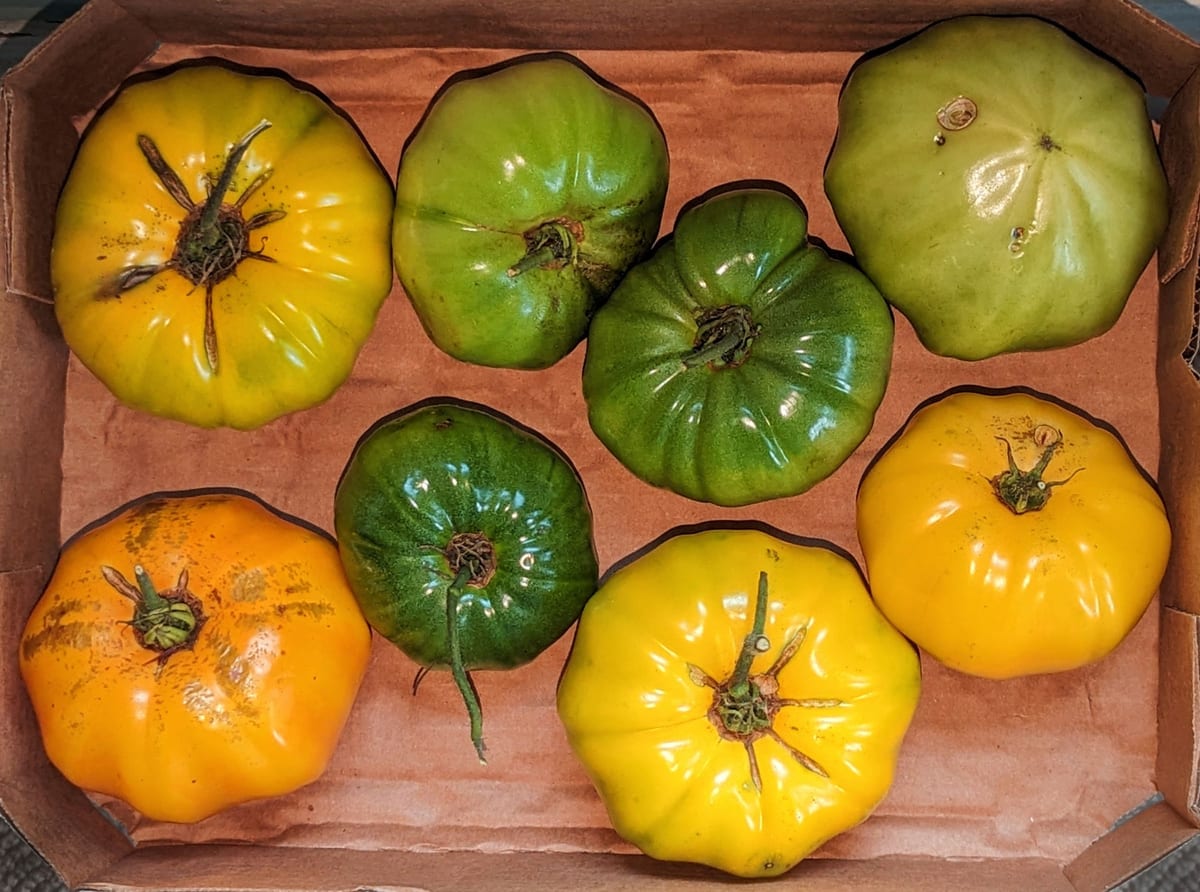
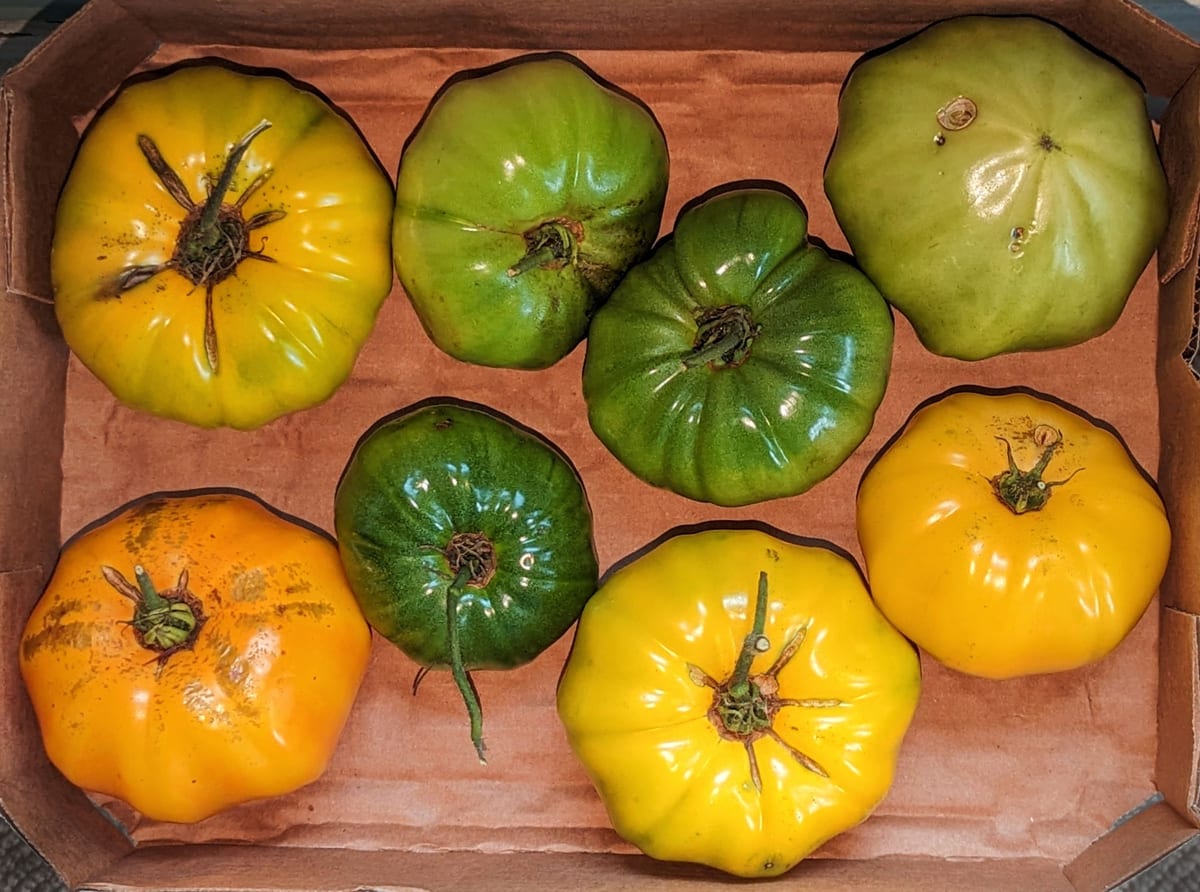
1600×1189 px
From 2400×1784
992 KB → 727 KB
File size, 27% smaller
JPG
Saved as
100% private. Nothing is uploaded.
Resize Photo for Email: Before and After
How to Resize an Image for Email
Open the Image Resizer
Press Open Image Resizer above, then drop in your photo or logo. It takes HEIC phone photos as well as JPG, PNG and WebP.
Pick an Email Size
Type a width, such as 1600 px for a photo or 600 px for a newsletter image, and the height follows. For a 600×200 banner, open Size presets and pick Email Header. It fills the frame and trims the edges.
Save and Send
Under Save As, choose JPG for photos or PNG for logos. Press Resize & Download, then attach the file or add it to your email.
Email Image Sizes and Formats
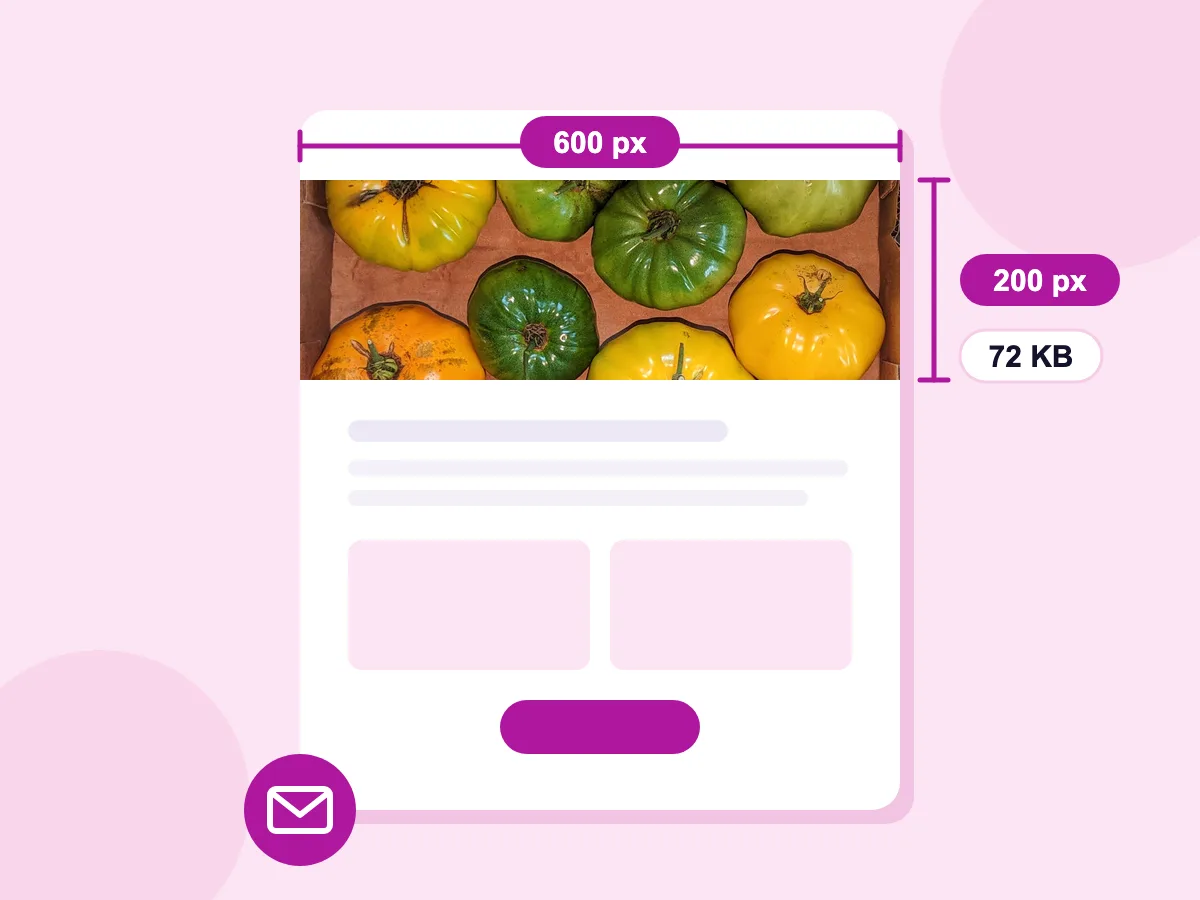
Email Header preset: 600×200 px
Open Size presets, choose Email, then pick Email Header. It fills a 600×200 banner and trims the edges to fit, ready for a 600 px newsletter template. Our tomato photo became a 72 KB header.
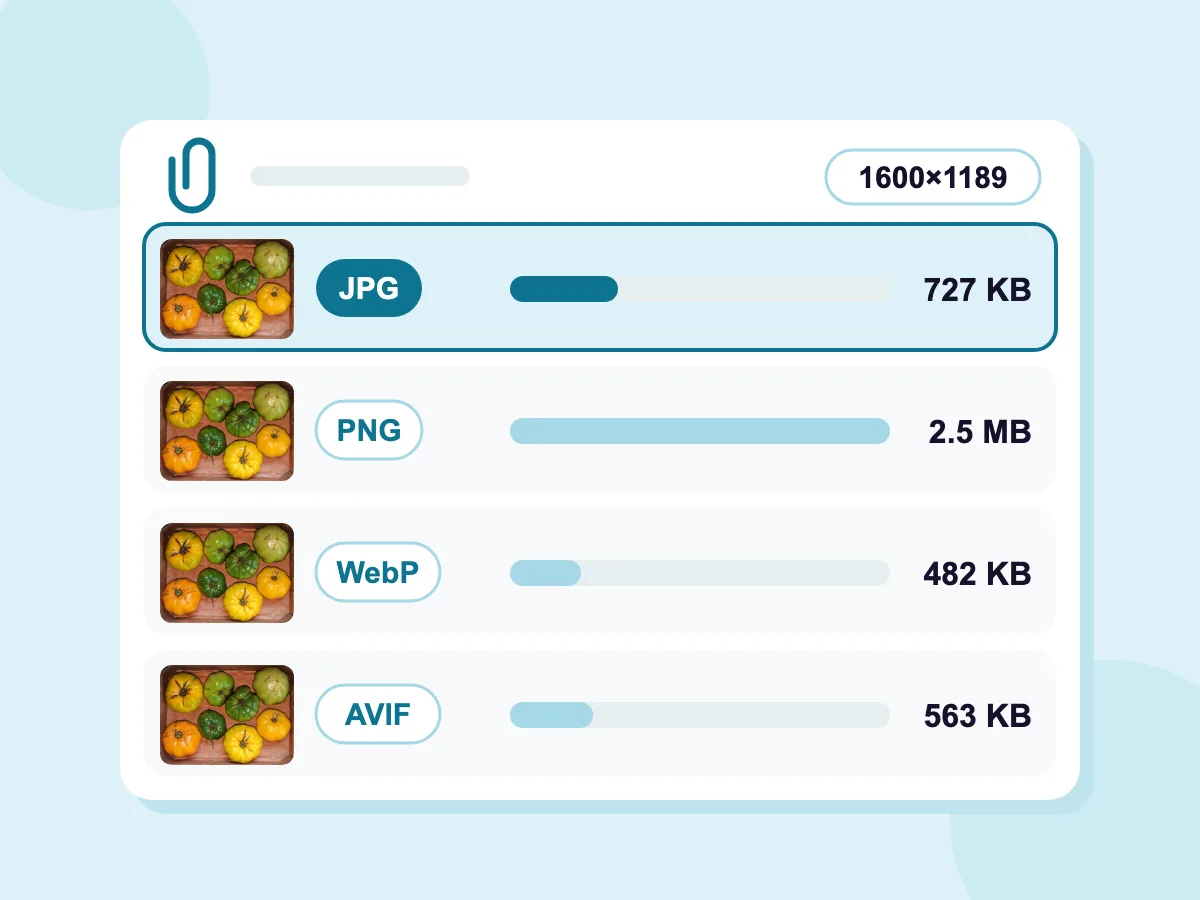
Save as JPG, PNG, WebP or AVIF
Under Save As, pick JPG, PNG, WebP or AVIF. For photos, JPG is the safe pick: our 1600×1189 test photo was 727 KB as a JPG and 2.5 MB as a PNG. Keep PNG for logos and screenshots with sharp edges.
- Set a Size Limit in KB or MB
- No uploads — 100% private
- Completely free, no account
Email Images You Can Resize
Email Newsletters
- Header banners for 600 px templates
- Photos for one-, two- or three-column layouts
- Product and event images
- Footer logos
Email Signatures
- Company logos
- Headshot photos
- Promo banners under your name
- Small badges and award logos
Attachments
- Phone photos for family and friends
- Photo sets for a client
- Pictures of receipts and documents
- Portfolio samples
What Does Resizing an Image for Email Mean?
Resizing an image for email means cutting its pixel dimensions so it fits where it will be seen: an attachment, the message body, a newsletter column or a signature. The file gets smaller as well. Compressing is different, because it cuts the file size while the width and height stay put.
Best Image Size for Email
The right size depends on where the image will show. The answers below cover attachments, newsletters and signatures.
Attachment or Inline Image: Which Should You Use?
Attach a photo when the reader needs to save, print or forward it. Put an image in the message body when it is part of what you're saying, such as a chart, a product shot or a logo. Some email apps hide body images until the reader allows them, so keep key details in the text too.
What Size Should Photos Be to Send by Email?
About 1600 px on the long side looks sharp on phones and laptops. A 4032×3024 phone photo resized to 1600×1200 keeps about 16% of its pixels, so the file shrinks a lot too. Save it as JPG. To resize a whole set at once, use the bulk image resizer.
How Large Is Too Large to Email?
Most email services stop at 20 to 25 MB per message, attachments included, and work accounts are often lower. Gmail allows 25 MB on personal accounts and turns bigger files into a Google Drive link. Files also grow by about a third when they are sent, so aim well under the limit. To get a photo under 1 MB, use compress image to 1MB.
What Is the Best Image Size for an Email Newsletter?
Most newsletter templates are 600 to 660 px wide. Make each image as wide as the space it fills, or twice that so it stays sharp on high-resolution screens. Padding in the template makes each space a little narrower, so check your builder's numbers. Many builders also suggest keeping each image under 1 MB.
- Full width: 600 px, or 1200 px for high-resolution screens. The Email Header preset makes a 600×200 banner.
- Two columns: about 300 px each, or 600 px for high-resolution screens.
- Three columns: about 200 px each, or 400 px for high-resolution screens.
What Size Should an Email Signature Image Be?
Gmail recommends 300 to 400 px wide and 70 to 100 px high, and allows up to 1000×100 px. That is a good starting point for other email apps too. Save logos as PNG to keep sharp edges and see-through areas. Then save the size under Size presets, so it's ready next time in this browser.
More Tools for Email Images
Get your images ready for any email
Image Compressor
Cut the file size of JPG, PNG, WebP, GIF and BMP images in KB or MB.
Bulk Image Resizer
Resize a whole set of photos in one go and get them back as a single ZIP file.
Add Watermark
Add your logo or name to images before you send them.
Image Metadata Viewer
Check an image's size and file details before you attach it.
Frequently Asked Questions — Email Image Sizes
Common questions about resizing images for email
How do I resize a photo for email?
Press Open Image Resizer near the top of this page and drop in your photo. Type a new width, such as 1600, and the height adjusts so the photo keeps its proportions. Under Save As, pick JPG. Then press Resize & Download and attach the new file.
Does email compress images?
Usually not. Most email apps send an attachment exactly as you added it. A few apps offer to shrink photos when you send, and classic Outlook for Windows can resize large images if you turn that option on. To control the size and quality yourself, resize the photo before you attach it.
What image format should I use for emails?
Use JPG for photos and PNG for logos, icons and screenshots, since every email app shows both. Not every email app can show AVIF, and support for WebP still varies, so JPG and PNG are the safe picks. The Image Resizer keeps JPG and PNG files in their format by default and saves HEIC photos as JPG.
Why does my image look too big in an email?
The image is wider than the space it is shown in. Some email apps show a large picture at its full size, so readers have to scroll sideways. Dragging the corners inside your email changes how big it looks, but not the file size. Resize it to the width you need, such as 600 px for a newsletter, before you insert it.
How do I resize photos for email on iPhone or Android?
Load this page in Safari, Chrome or any other phone browser and tap Open Image Resizer, with nothing to install. iPhone HEIC photos open directly and are saved as JPG by default, which every email app can show. Type a smaller width, download the new copy and attach it to your email.
How do I email a lot of photos at once?
Shrink them all first with the free bulk image resizer, which takes JPG, PNG, WebP, BMP and GIF. Choose As Percentage, set about 40% and press Resize All. That takes a 4032×3024 phone photo to about 1613×1210. Download All then saves the set in one ZIP file to attach. If it's still over your email's limit, split the photos across a few emails or share a cloud link.