Make Images Smaller: Shrink the File or the Picture
Need a smaller file for email or an upload form? Compress it. Need fewer pixels for a web page, a print or a profile photo? Resize it. Both tools are free, and your files never leave your device.
Smaller File or Smaller Picture?
Open the Image Compressor to cut the file size in KB or MB. Open the Image Resizer to change the width and height in pixels.
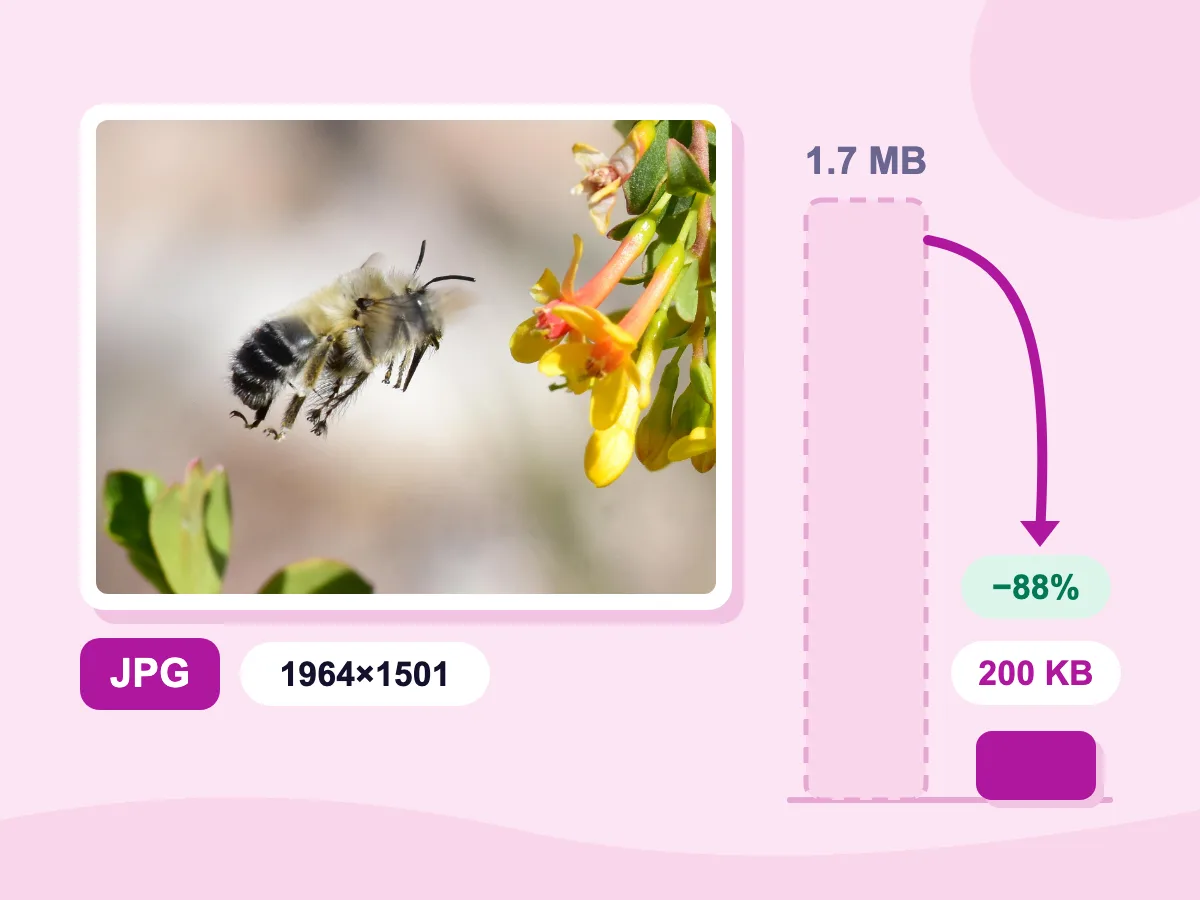
1.7 MB → 200 KB
File size, 88% smaller
1964×1501 px
Same width and height
Quality 75
Still a JPG
100% private. Nothing is uploaded.
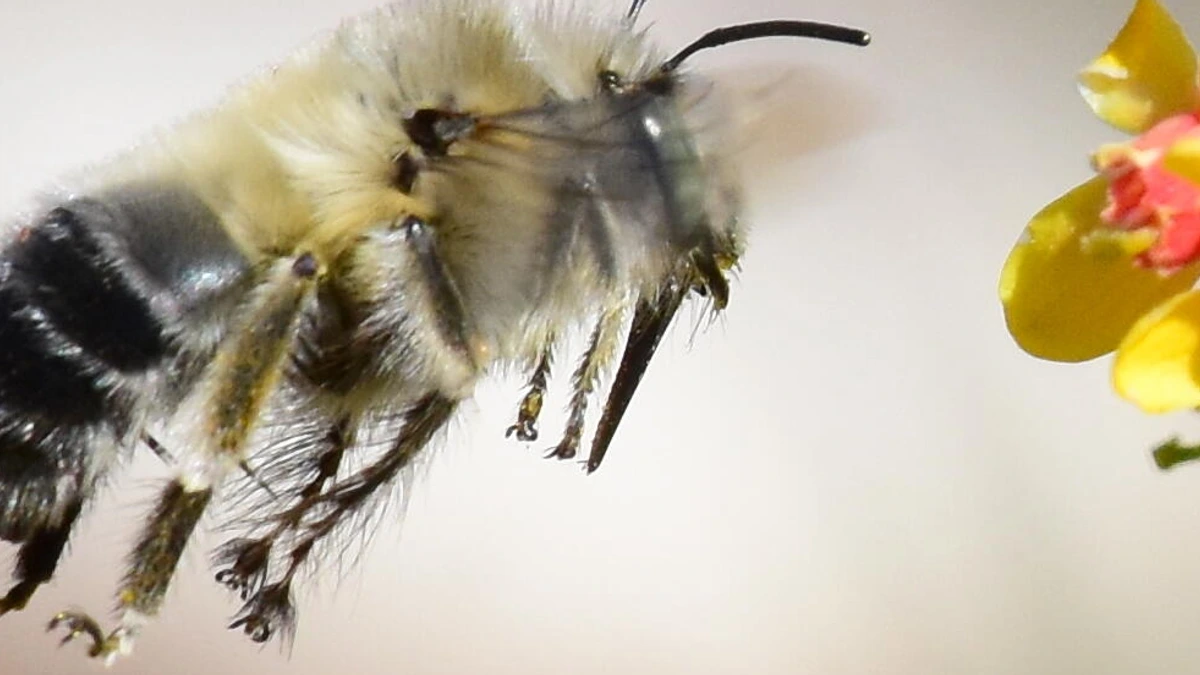
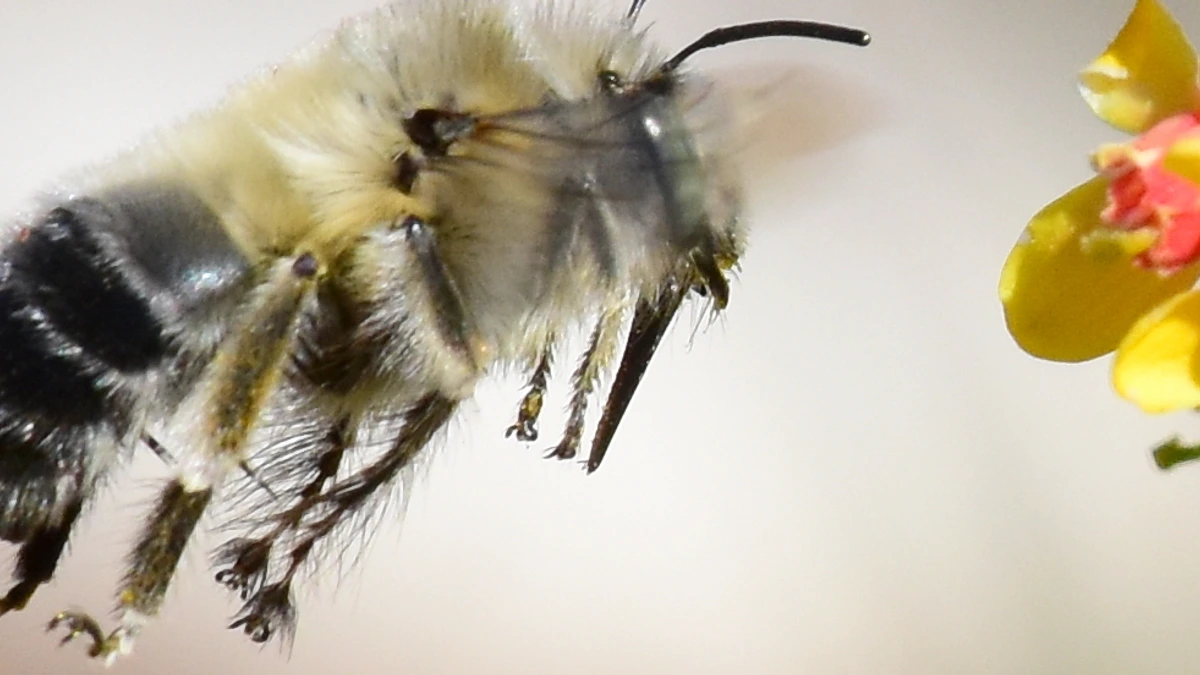
Make an Image Smaller: Before and After
How to Make an Image Smaller in 3 Steps
Pick File Size or Dimensions
At the top of this page, press Open Image Compressor to cut KB and MB. Press Open Image Resizer to change the width and height instead.
Set How Small
In the compressor, lower Quality or type a limit in Target file size, then press Compress. In the resizer, type a new width and height or a percentage.
Download the Smaller Image
Check the new size before you save. The compressor puts several images in one ZIP file, and the resizer saves with Resize & Download. No watermark, no account.
Make Photos Smaller for Free
Cut File Size in KB or MB
Press Open Image Compressor, then lower Quality or type a limit in Target file size and pick KB or MB. Both are hidden while a PNG stays a lossless PNG. At Quality 75, our bee photo went from 1.7 MB to 200 KB and kept all 1964×1501 pixels.
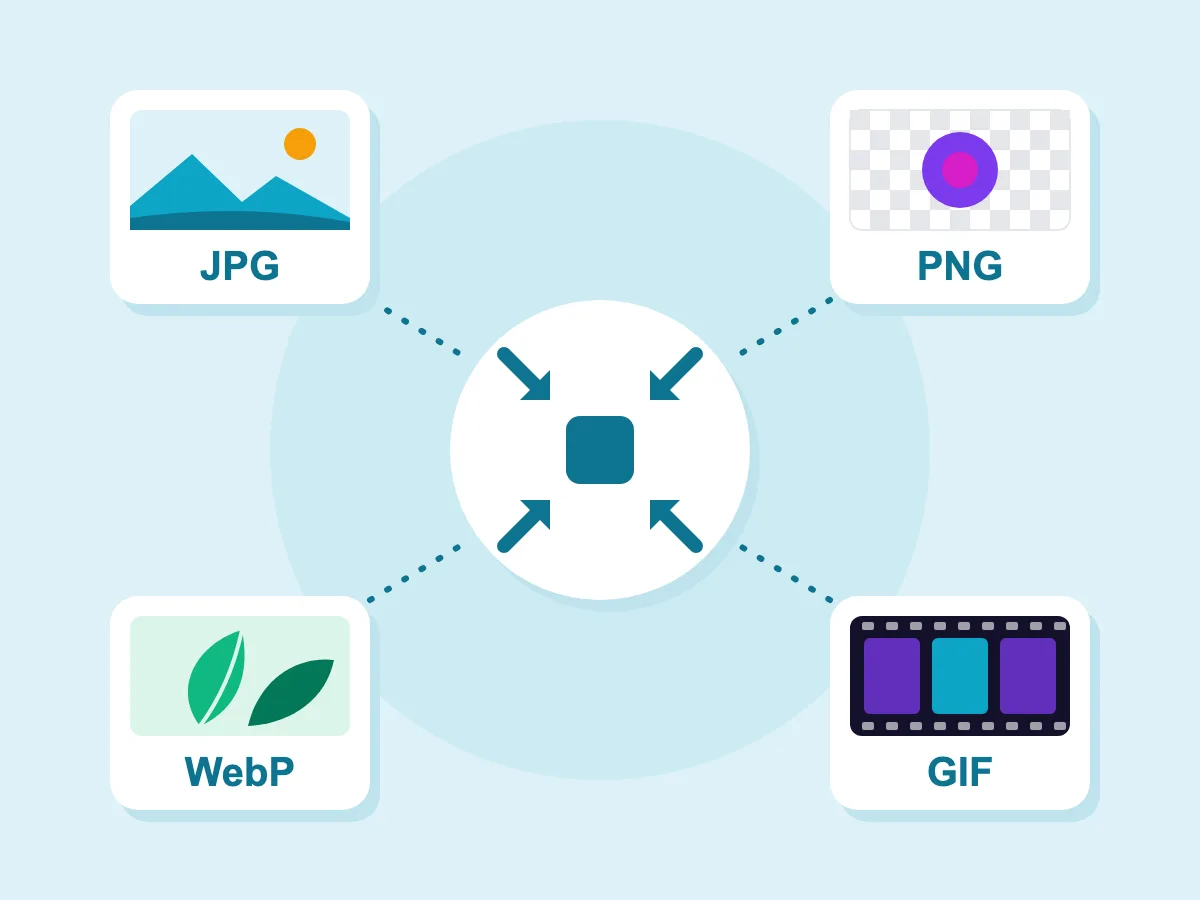
Works With JPG, PNG, WebP and GIF
The compressor opens JPG, PNG, WebP and GIF files, and one batch can mix them. Each file keeps its format, or you can pick another under Save image as. An animated GIF saved as GIF keeps its animation.
- Many Images at Once
- 100% private — files stay on your device
- Completely free, no account
When You Need Smaller Images
Sharing & Sending
- Email attachments
- WhatsApp & messaging
- File upload forms
- Cloud storage savings
Web & Social Media
- Website image upload
- Social media posts
- Blog article images
- E-commerce product photos
Work & Business
- Presentation slides
- Report graphics
- CMS file uploads
- Photo portfolio
What Does It Mean to Make an Image Smaller?
Making an image smaller means one of two things: lowering its file size in KB or MB, or lowering its width and height in pixels. Compressing does the first and can keep the pixel size. Resizing does the second, and the file usually shrinks too. A limit in MB calls for compressing; a size in pixels calls for resizing.
How to Make an Image Smaller
First check what your limit is measured in: megabytes or pixels. The answers below help you pick the right tool and keep the picture looking good.
File Size or Dimensions: Which Do You Need?
Match the tool to the limit you were given:
- "File too large", or a limit in MB or KB: use the image compressor.
- A size in pixels, such as 1080×1080: use the image resizer.
- A photo that shows up too big in an email or document: resize it, which also makes the file smaller.
- Both a pixel size and a file limit: resize first, then compress.
How Do You Make an Image Smaller Without Losing Quality?
Shrinking the width and height usually keeps a photo sharp at its new size. Cutting the file size is where quality can slip, since JPG and WebP drop fine detail. Keep Quality at 75 or higher and check the compare view before you save. For PNG graphics, Lossless PNG can make the file smaller without changing a single pixel.
Can You Make a Picture Smaller Without Cropping?
Yes. Resizing scales the whole picture, so nothing is cut off. In the image resizer, keep the aspect ratio lock on and change only the width; the height follows. You only need to crop when a site wants a different shape, such as a square.
How Can You Make Photos Smaller for Email?
Add all the photos to the image compressor at once. Pick Max dimension as the resize mode (it starts at 1920 px) and save as JPG. A 12-megapixel phone photo scaled to 1920 px on its long side keeps under a quarter of its pixels, so the file gets much smaller too. Download all saves them in one ZIP file.
More Tools to Reduce Image Size
Compress specific formats or resize before compressing
Frequently Asked Questions — Making Images Smaller
Common questions about making images smaller in file size or pixels
How do I make an image smaller?
Pick the tool that matches your limit. For a smaller file, open the Image Compressor, add your images, press Compress and download. For smaller dimensions, open the Image Resizer, type a new width and height or a percentage, and press Resize & Download. Both buttons are at the top of this page.
How do I make an image smaller in MB or KB?
Open the Image Compressor and type your limit in Target file size, such as 2 MB or 500 KB. Press Compress. Quality drops step by step until the file fits, and the width and height shrink only if quality alone isn't enough. For a PNG photo, set Save image as to JPG or WebP, because Lossless PNG ignores the target.
How do I make a JPG or PNG smaller?
For a JPG, open the Image Compressor and lower Quality. It starts at 75, and lower numbers make smaller files. For a PNG, Lossless PNG is on by default and keeps every pixel. Turn it off and lower PNG colors for a much smaller file, or save a photo as JPG or WebP. Saving a see-through PNG as JPG fills the clear parts with a color you pick.
How do I make an image smaller on iPhone or Android?
Open this page in your phone's browser and tap the tool you need. Both tools work in the browser, with no app to install. The Image Resizer opens iPhone HEIC photos directly. The Image Compressor takes JPG, PNG, WebP, GIF and BMP, so it won't accept a HEIC file.
Will resizing reduce image quality?
Making an image smaller in pixels usually keeps it sharp at its new size. The smaller copy holds less detail, though, so keep your original in case you need a bigger version later. Enlarging is different: the new pixels are guessed from the old ones, so the picture turns softer.
Does making an image file smaller reduce its resolution?
Not unless you ask it to. In the Image Compressor, the width and height stay the same while Resize mode is on Original. They change only if you pick Percentage or Max dimension, or if a Target file size can't be reached by quality alone. In that case each side can drop to roughly three fifths of its size.