Resize & Optimize Images for Instagram
Size photos for Instagram with presets for square, 4:5 portrait and Story or Reel posts, or type any size you need. Free, no account, and your photos never leave your device.
Resize for Instagram Now
Open PicsSizer's free Image Resizer and pick an Instagram size preset, or type your own size.
1080×1350 px
Instagram Portrait preset
1.1 MB → 658 KB
File size, 40% smaller
100% private. Nothing is uploaded.
Resize Image for Instagram: Before and After
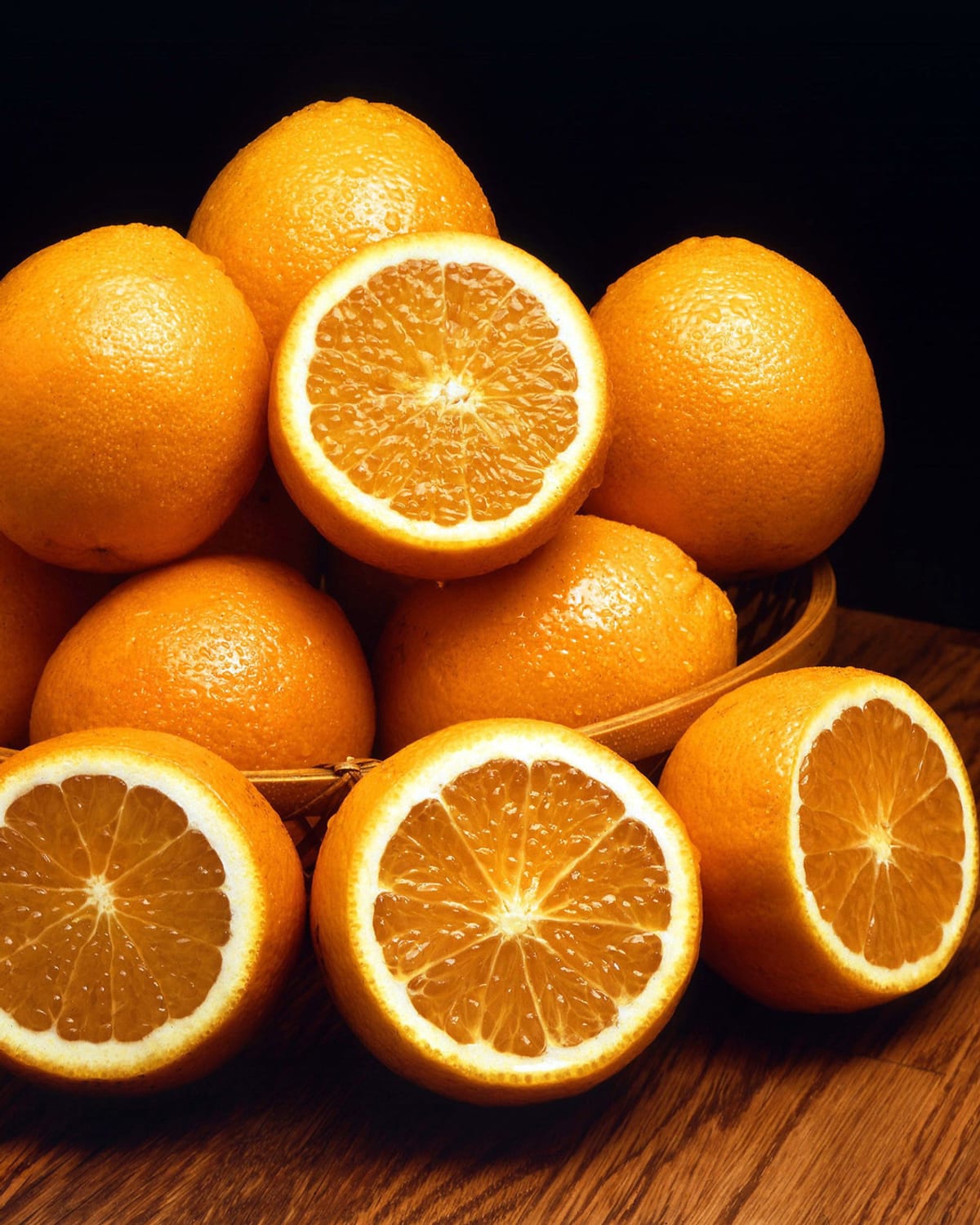
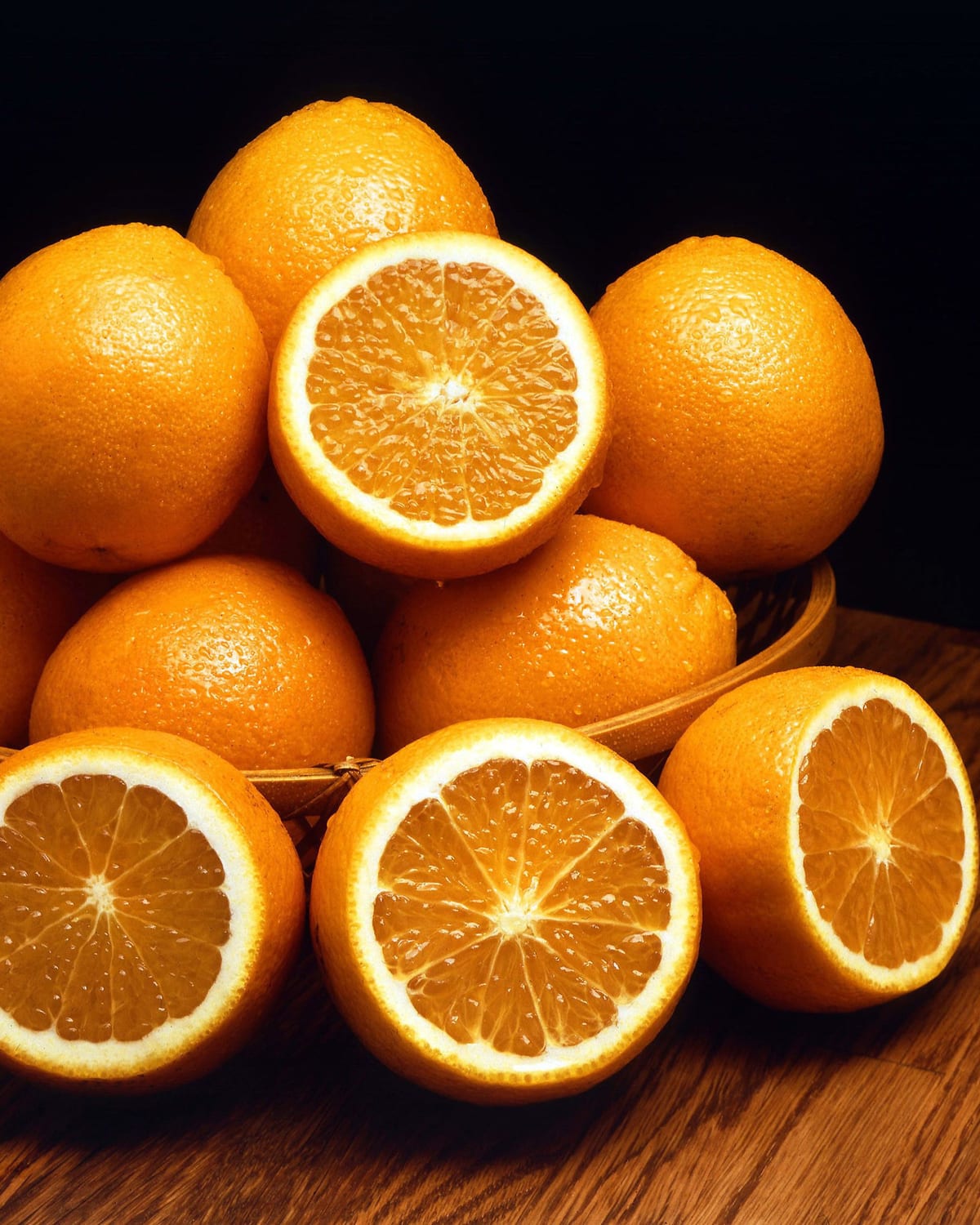
How to Resize a Photo for Instagram
Open the Image Resizer
Tap the button below to open the free Image Resizer and add your photo. It takes JPG, PNG, WebP, AVIF and iPhone HEIC files.
Pick an Instagram Size
Open Size presets, choose Social, then pick Instagram Square, Instagram Portrait or Instagram Story / Reel. For any other size, turn the aspect ratio lock off and type the width and height.
Download & Post
Choose JPG under Save As and press Resize & Download. Then post the new file from your phone or computer.
Instagram Image Size Options
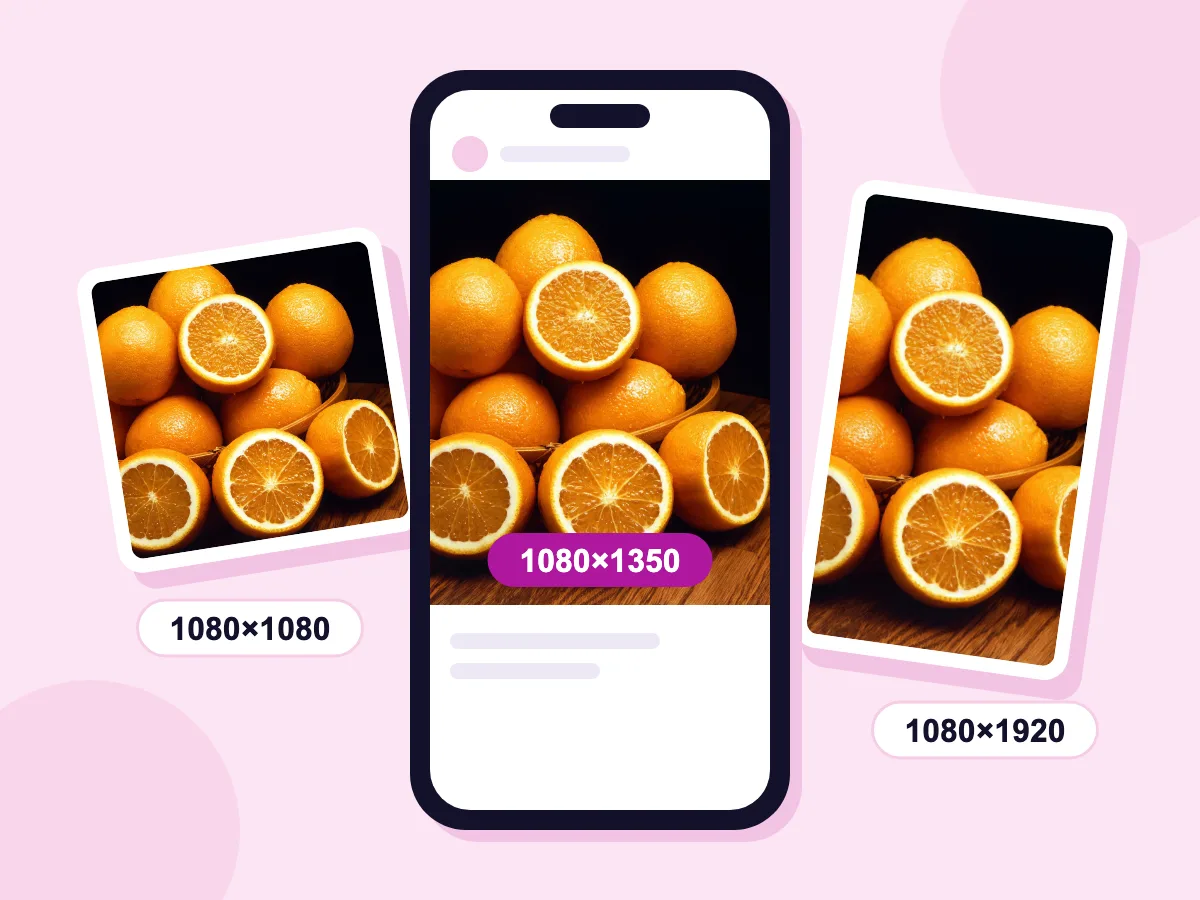
Square, portrait & Story presets
Open Size presets and choose Instagram Square, Instagram Portrait or Instagram Story / Reel. Each preset fills the frame and trims the edges to fit. Our orange photo came out at 1080×1080, 1080×1350 and 1080×1920.
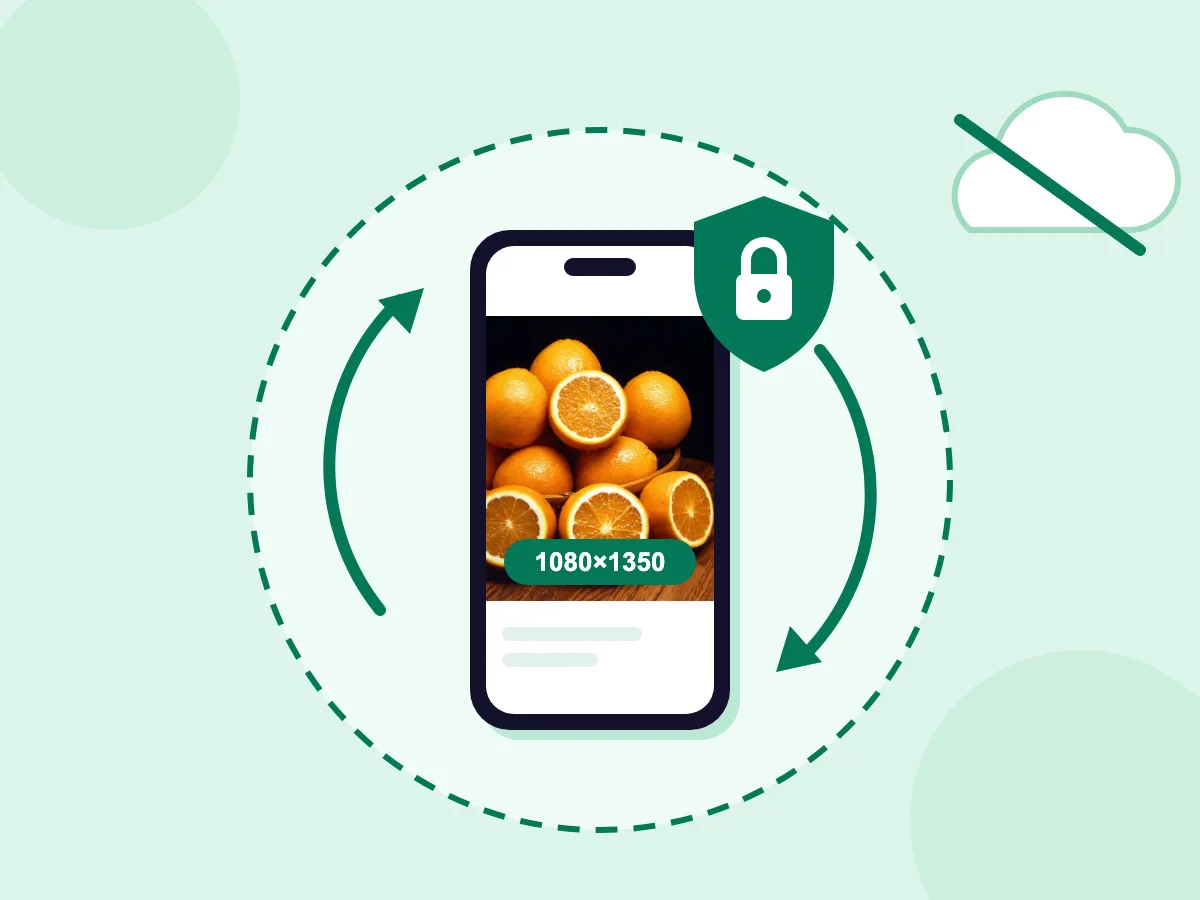
No uploads, 100% private
There is no upload wait, even for a large photo. It works the same way in a phone browser, with no app to install.
- Exact Instagram sizes
- Optional target file size
- Completely free, no account
Sizes for Every Instagram Format
Feed Posts
- Square posts (1080×1080)
- Portrait posts (1080×1350 or 1080×1440)
- Landscape posts (1080×566)
- Carousel slides at one shared size
Stories & Reels
- Story frames (1080×1920)
- Reel cover images (1080×1920)
- Story highlights
- Behind-the-scenes content
Business & Brands
- Product showcase photos
- One size across a whole feed
- Influencer content
- Square and portrait ad images
What Does It Mean to Optimize Images for Instagram?
Optimizing an image for Instagram means giving it a size and shape Instagram accepts without resizing or cropping: 1080 pixels wide, with a shape between 1.91:1 landscape and 3:4 portrait, or 9:16 for Stories and Reels. Plain resizing only changes the pixel count. Optimizing also fixes the shape, so Instagram doesn't crop the photo for you.
How to Resize a Photo to Instagram Size
Instagram crops or scales any photo that falls outside its sizes. Below you'll find which size to choose, how to keep the whole picture in frame and how to limit quality loss.
Which Instagram Size Should You Use?
Every feed post is 1080 pixels wide, and only the height changes. The resizer has presets for three of these sizes. Type the other two yourself:
- Square, 1:1: 1080×1080. Use the Instagram Square preset.
- Portrait, 4:5: 1080×1350. Use the Instagram Portrait preset.
- Tall portrait, 3:4: 1080×1440, the tallest feed post. Type this size.
- Landscape, 1.91:1: 1080×566. Type this size.
- Stories and Reels, 9:16: 1080×1920. Use the Instagram Story / Reel preset.
Why Does Instagram Lower Photo Quality?
Instagram keeps photos at most 1080 pixels wide and saves its own copy of every post. You can't turn that off, and no tool can stop it. You can keep the extra changes small:
- Upload at least 1080 px wide. Wider photos are scaled down to 1080 px, and photos under 320 px wide are enlarged.
- Use a shape between 1.91:1 and 3:4. Instagram crops other shapes to fit.
- Use the original photo rather than a screenshot or a copy saved from a chat app.
How Can I Resize a Photo for Instagram Without Cropping?
Turn the aspect ratio lock off, type the size and pick the Contain fit mode. The whole photo stays in view, and a color you choose pads the empty space. The size presets use Cover instead, which crops the edges to fill the shape. For a square post with nothing cut off, the square image tool does it in one step.
What Size Should an Instagram Profile Picture Be?
Upload a square photo at least 320×320 px. Instagram shows it as a small circle, so keep the face or logo in the middle, away from the corners. There is no Instagram profile preset, so turn the lock off, type 320 × 320 and pick Cover.
Should You Compress Photos Before Posting to Instagram?
Usually not, because Instagram makes its own copy anyway. Keep Quality high and leave Target File Size empty. A target that is too small also shrinks the width below 1080 px, and the post then looks softer. Compress only when a scheduling app or upload form sets a file size limit. See the Instagram size guide for ad and other sizes.
More Instagram-Ready Tools
Everything you need for perfect social media images
Image Compressor
Shrink a file to fit an upload limit, by quality or a target size in KB.
Instagram Size Guide
Reference sizes for Instagram posts, Stories, ads and profile photos.
Split Image into a Grid
Cut one photo into a 3-column grid post, numbered in posting order.
Bulk Image Resizer
Resize a whole set of Instagram photos at once, with the same size presets.
Square Image
Fit a whole photo in a square post, with nothing cropped off.
Frequently Asked Questions: Instagram Image Sizes
Everything you need to know about optimizing images for Instagram
What is the ideal image size for Instagram posts?
Use 1080 pixels wide. Instagram keeps a photo at its own size when it is 320 to 1080 px wide and its shape is between 1.91:1 and 3:4. So a feed post can be 1080×1080 (square), 1080×1350 (4:5 portrait), 1080×1440 (3:4 portrait) or 1080×566 (landscape). The resizer has presets for the square and 4:5 sizes. Type the others with the aspect ratio lock off.
Which aspect ratio takes up the most space in the Instagram feed?
3:4 portrait at 1080×1440 px is the tallest feed post, followed by 4:5 at 1080×1350 px. Taller posts fill more of the phone screen as people scroll. Since 2025, the profile grid shows posts as 3:4 thumbnails, so a 3:4 post is likely to show in full there. Square and landscape posts take up less height.
Does Instagram compress images when you upload them?
Yes. Instagram scales photos wider than 1080 px down to 1080 px, crops shapes it doesn't support, and saves its own copy of every post. No app or setting can stop that. What helps is a file Instagram doesn't need to change much: 1080 px wide, a supported shape, and a high-quality JPG made from the original photo.
What is the Instagram Story image size?
Stories and Reels use a 9:16 shape at 1080×1920 px, which fills a phone screen from top to bottom. Pick the Instagram Story / Reel preset to resize to that size. The preset crops whatever falls outside 9:16, so keep text and faces away from the very top and bottom, where Instagram shows your name and the reply bar.
Can I resize multiple Instagram images at once?
Yes. The Bulk Image Resizer has the same Size presets, so you can set a whole set of photos to Instagram Square or Instagram Portrait in one go. It opens JPG, PNG, WebP, BMP and GIF files. This is handy for carousel posts, where every slide should share one size.
Do I need to resize photos for Instagram?
Not always, but it gives you control. Instagram scales down anything wider than 1080 px and crops shapes outside 1.91:1 to 3:4, and it picks the crop for you. Resizing first lets you choose the size and which part of the photo stays. Use Crop Image in the resizer to pick that part before you apply a size.