Compress Image to 200KB Online Free
Compress photos, scans, and documents to 200KB or less for online portal submissions. 100% private, on-device processing with no sign-up.
Drop your image here
- JPG
- JPEG
- PNG
- WEBP
- +2
1.2 MB → 179 KB
Under the 200KB target
2400×1600 px
Not resized
JPG
Format kept
100% private. Nothing is uploaded.
Compress Image to 200KB: Before and After
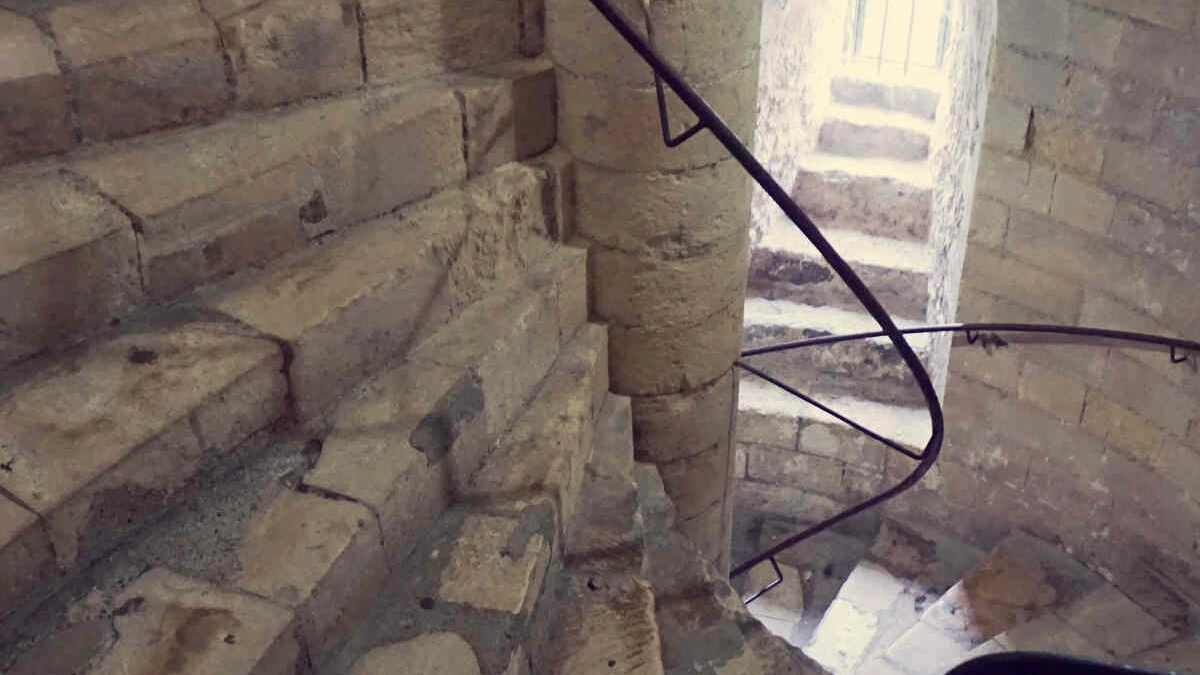
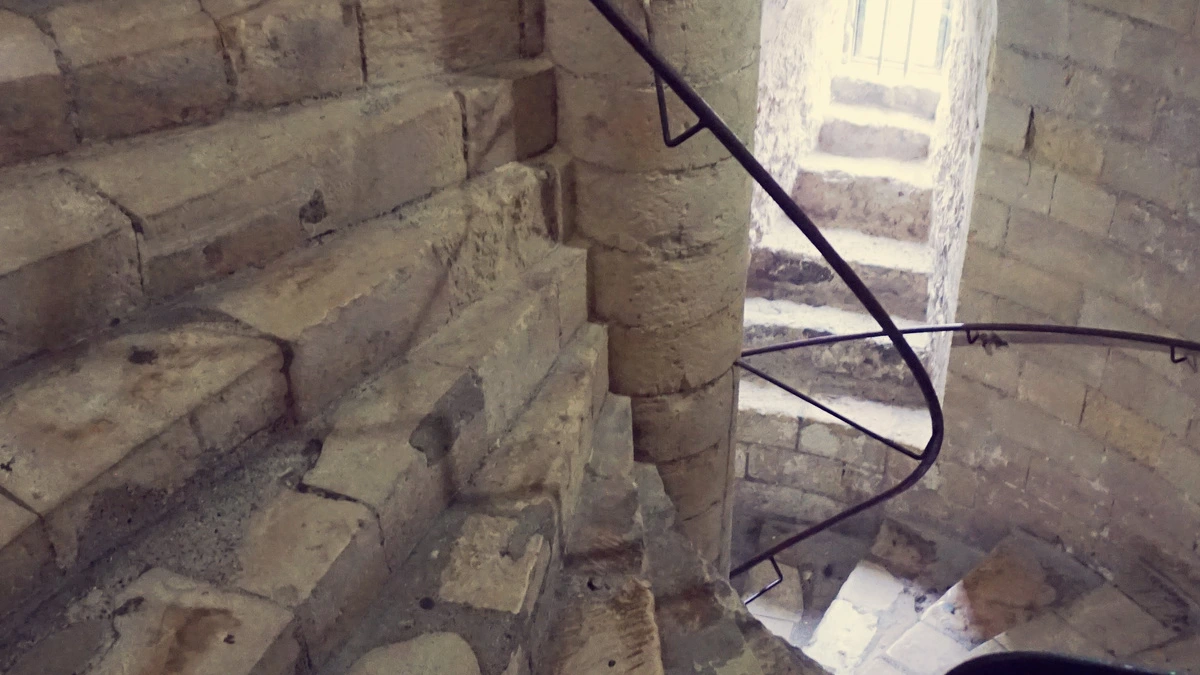
How to Compress an Image to 200KB — 3 Steps
Add Your Photo or Scan
Drop a JPG, PNG, WebP, GIF or BMP file on the box above, or pick several. Use the original file from your camera or scanner for the clearest result.
Check the 200KB Target
Target file size already reads 200 KB when the editor opens. If the form wants JPG, set Save image as to JPG. Then press Compress.
Download and Upload
Each row shows the new size next to the old one. Press Download File, or Download all to get several files in one ZIP. Then upload the file to your form.
Compress Photo to 200KB for Forms
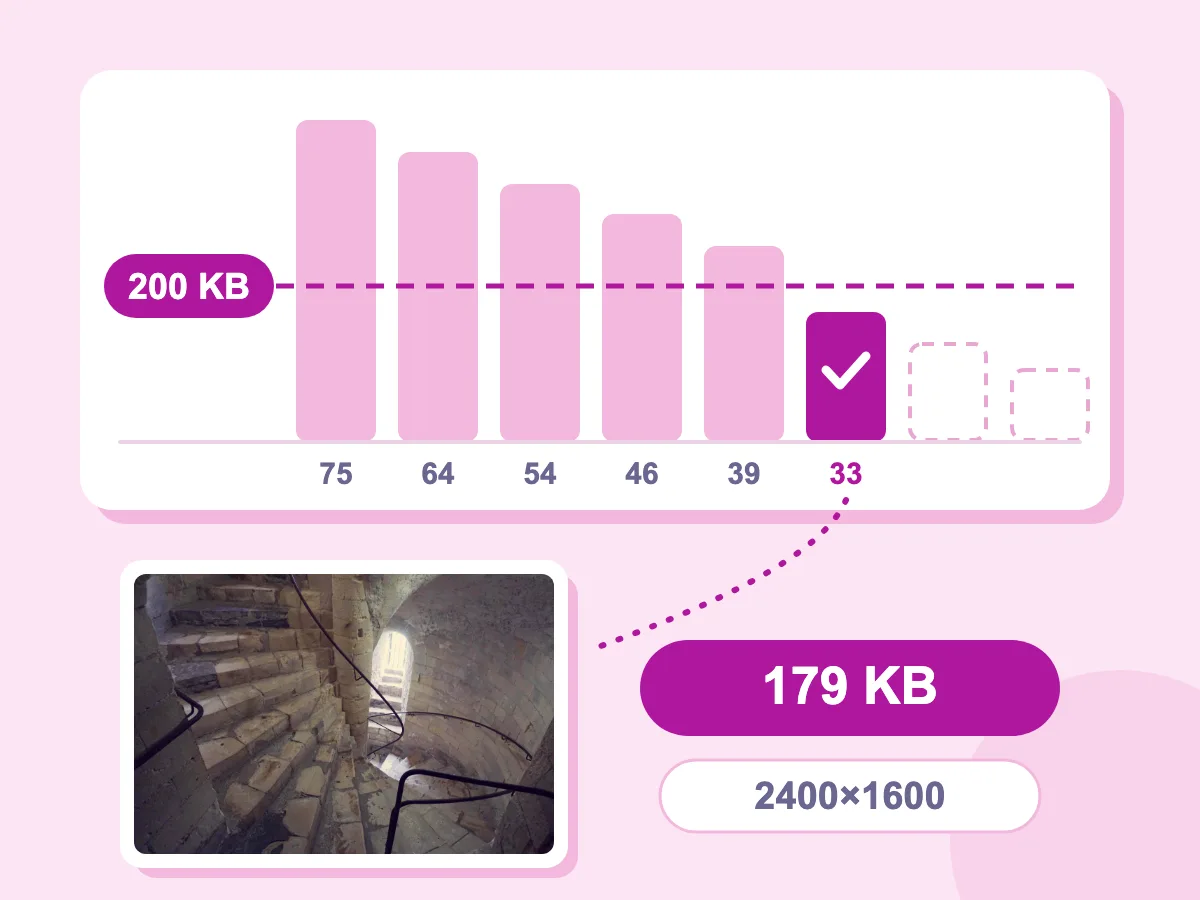
Stops as Soon as the File Fits
With a target set, the tool saves your photo again at your Quality setting, then lowers the quality step by step. It stops as soon as the file fits, at the first try that is 200KB or less. Our staircase photo took six saves, from quality 75 down to 33, and went from 1.2 MB to 179 KB at 2400×1600.
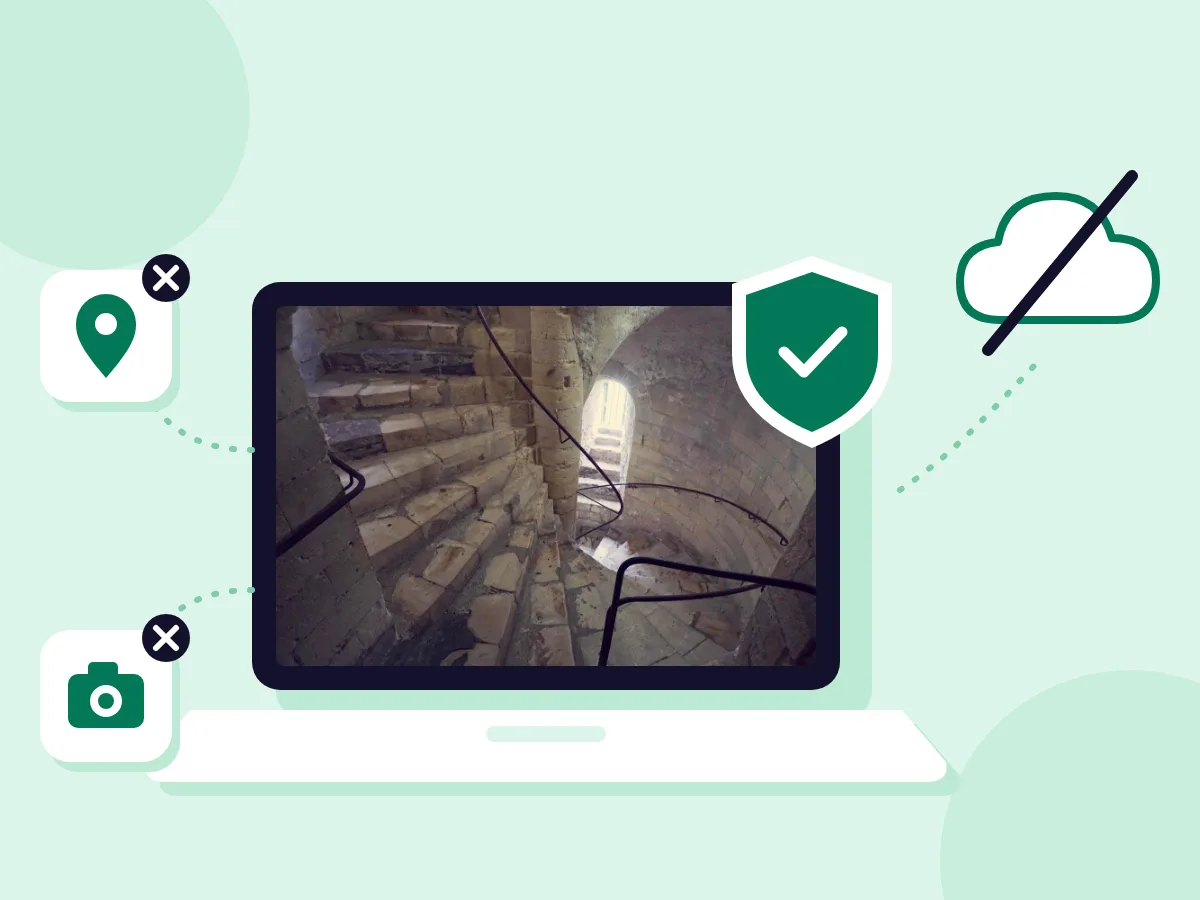
100% Private — Files Stay on Your Device
Strip metadata is on by default, so the new file drops EXIF data such as GPS location and camera details. That helps with ID and visa photos you upload to forms. To keep that data, turn Strip metadata off under Advanced.
- 200KB Target Already Set
- JPG, PNG, WebP, GIF and BMP
- Free — No Account Required
When You Need an Image Under 200KB
Exams & Admissions
- Upload a recent photo to an entrance exam registration form
- Send a scanned mark sheet or certificate to a university portal
- Add a photo to a student ID or library card request
- Upload a signature image to an online application
Visa, Passport & ID
- Fit a visa photo under a 200KB upload cap
- Shrink a scan of your passport's photo page for a travel form
- Compress an ID card photo for an online identity check
- Reduce a photo of a utility bill used as proof of address
Jobs & Everyday Forms
- Add a profile photo to a job portal or onboarding form
- Attach a scanned degree or experience letter to a job application
- Upload a photo to a warranty or repair request
- Fit a picture under the size cap on a forum or support ticket
What Does Compressing an Image to 200KB Do?
Compressing an image to 200KB means you set the largest file size you will accept, and the quality drops until the file is 200 kilobytes or less. Compressing by quality works the other way: you pick a quality level and get whatever file size it makes. A target suits upload forms, where 1KB over the cap gets the file rejected.
How to Reduce Image Size to 200KB for an Online Form
A file can be under 200KB and still be turned down if it breaks another rule on the form. The answers below cover those rules, passport photos and the files that are hard to shrink.
Which Rules Does the Form Check Besides 200KB?
Read the instructions next to the upload button and match each one:
- File type: if the form asks for JPG or JPEG, set Save image as to JPG. A PNG or WebP can be refused even when it is under 200KB.
- Width and height: if the form lists a pixel size, such as 600×600, match it with the image resizer before you compress.
- Exact limit: here 1KB means 1,024 bytes, so 200KB is 204,800 bytes. If the form allows only 200,000 bytes, set the target to 195 KB.
- Separate fields: a photo and a signature can each have their own limit. Compress each one with its own number in Target file size.
How Do You Reduce a Passport Photo to 200KB?
Use the photo straight from your camera. A copy sent through a chat app is usually compressed already. Crop it to the shape the form asks for with the crop tool, then compress it here. Phone photos come out upright, since the tool turns them to match the camera's orientation before saving.
What If Your Image Can't Compress to 200KB?
You still get the smallest file the tool could make, and the row shows its size. One of these is usually the cause:
- Lossless PNG is on: the target is skipped so every pixel stays the same. Turn it off, or set Save image as to JPG.
- The photo is very large: lowering quality and size step by step was not enough. Under Resize, choose Max dimension, enter a smaller number such as 1200, and press Compress again.
- It is an animation saved as WebP: the target is skipped so every frame is kept. For an animated GIF, keep it as GIF instead, which lowers quality and colors to get as close to 200KB as it can.
More Target-Size Compression Options
Need a different size limit? Pick the right target below.
Compress to 100KB
For passport photos, government forms, and 100KB upload limits.
Compress to 500KB
For email attachments, website uploads and document scans under 500KB.
Image Compressor
Compress with manual quality control — no target limit needed.
All Target Sizes
Hub page for all target file size tools — 100KB to 1MB and custom.
Compress Image to 200KB — FAQ
Common questions about reducing images to under 200KB
How do I compress an image to 200KB?
Add the image above and the editor opens with the target filled in: 200 in Target file size, with the unit on KB. For a form, set Save image as to JPG, since nearly every upload form accepts it. Press Compress, check the new size on the file's row, then press Download File and upload that file.
How do I reduce image size to 200KB without losing quality?
Some loss is normal with JPG and WebP, but you can keep it hard to see. The less a file has to shrink, the less detail it loses: a 300KB photo cut to 200KB changes far less than a 6MB photo does. So remove pixels you don't need first, by cropping to the face or setting Max dimension under Resize. Then tap the eye icon on the row to compare the result with the original.
How do I get a PNG image under 200KB?
It depends on what the PNG shows. A photo shrinks most as JPG, so choose JPG under Save image as. Any see-through areas get the Background color, white by default. For a screenshot, chart or signature with flat colors, stay with PNG, switch Lossless PNG off and reduce the PNG colors. The fewer colors, the smaller the file, and flat edges stay crisp. While Lossless PNG is on, the 200KB target does not apply.
Is 200KB a suitable size for images?
For an upload form, yes, as long as it matches the form's cap. A passport-style photo is small in pixels, so it fits in 200KB with little visible loss. A full-resolution phone photo is different: it has 12 megapixels or more, so the tool may also need to scale it down to fit. For photos on a website, the right size depends on how large the image shows on the page.
Can I compress a JPG to 200KB on a Mac or Windows PC?
Yes. The tool runs in any up-to-date browser, such as Chrome, Edge, Safari or Firefox, so there is nothing to install. Open this page, drop the JPG and press Compress. The new file usually lands in your Downloads folder with _compressed added to its name, so your original stays as it was.
Can I turn my image into a PDF under 200KB?
Not in this tool, which saves images only: JPG, PNG, WebP, GIF or BMP. Make the PDF with the Image to PDF tool, then shrink it with the PDF Compressor if it is over 200KB. Check the size of the final PDF before you upload, because turning an image into a PDF can make the file bigger.
Can I compress my photo and signature at the same time?
Yes, if both have the same limit. Add both files and the 200KB target applies to each one. Each file gets its own row, and Download all saves them together in one ZIP. If the signature has a smaller limit, compress it on its own and type that number in Target file size.